190-00870-02 Rev. A
Garmin G950 Pilot’s Guide for the Pilatus PC-6
SYSTEM
OVERVIEW
FLIGHT
INSTRUMENTS
EIS
AUDIO PANEL
& CNS
FLIGHT
MANAGEMENT
HAZARD
AVOIDANCE
AFCS
ADDITIONAL
FEATURES
APPENDICES INDEX
465
APPENDIX B
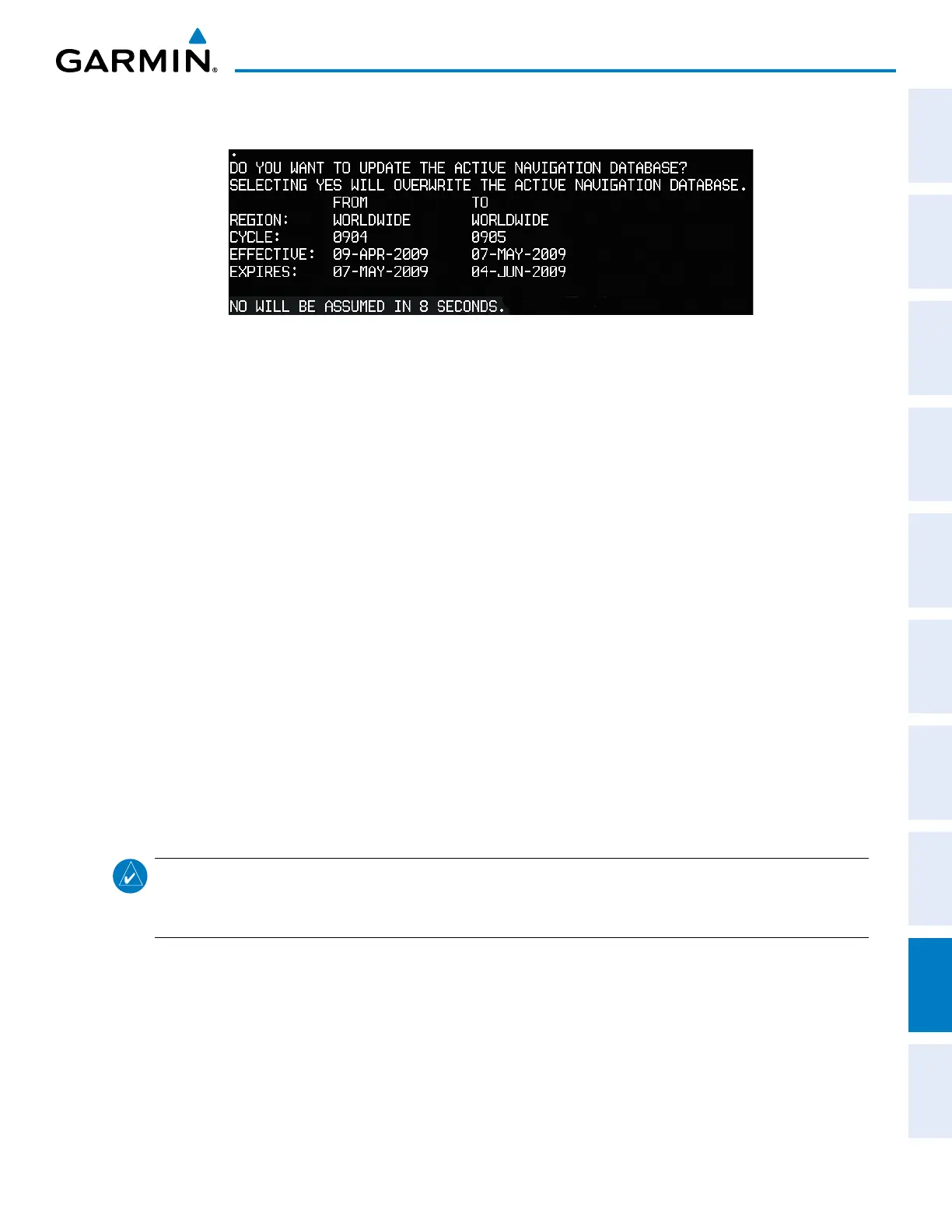
7) Press any key to continue. The display will now appear as shown in Figure B-6.
Figure B-6 Active Navigation Database Prompt
8) Press the NO Softkey. The display now starts in normal mode. Since the database effective date is not yet valid,
it should not be loaded as the active database. The display now starts in normal mode. Do not remove power
while the display is starting.
9) Press the ENT Key to acknowledge the startup screen.
10) Turn the large FMS Knob to select the AUX Page group on the MFD.
11) Turn the small FMS Knob to select the System Status Page.
12) The new database is copied to the SD card in the bottom card slot of the PFD. Progress can be monitored in the
SYNC STATUS field. When copying is finished, ‘Complete’ is displayed.
13) Turn system power OFF.
14) Remove the SD card from the top card slot of the MFD.
15) Turn system power ON.
16) Press the ENT Key to acknowledge the startup screen.
17) Turn the large FMS Knob to select the AUX Page group on the MFD.
18) Turn the small FMS Knob to select the System Status Page.
19) Press the Display Database Selection Softkey to show standby navigation database information for each display
(MFD1 DB, PFD1 DB). Verify the correct standby navigation database cycle information is shown for each
display.
NOTE: The system compares the active databases on the PFD and the MFD, and displays a system alert
message ‘DB Mismatch’ if they are not identical. Similarly, if the standby databases on the PFD and the MFD
are not identical, the system will display a ‘DB Mismatch’ alert for the standby navigation databases.



 To Next Page