GPSMAP
®
4000/5000 Series Owner’s Manual 57
Device Conguration
Conguring the Navigation Data Bar
You should show the navigation data bar before you congure it (page 56).
1. From the Home screen, select .
2. Select a chart or a 3D chart view.
3. Select > > > .
4. Complete an action:
• Select . Select to show waypoint velocity made good (VMG) when navigating a route or
an Auto Guidance line (page 58).
• Select > to show next turn data based on distance.
• Select > to show next turn data based on time.
• Select , and select , , or to indicate how the
destination data appears.
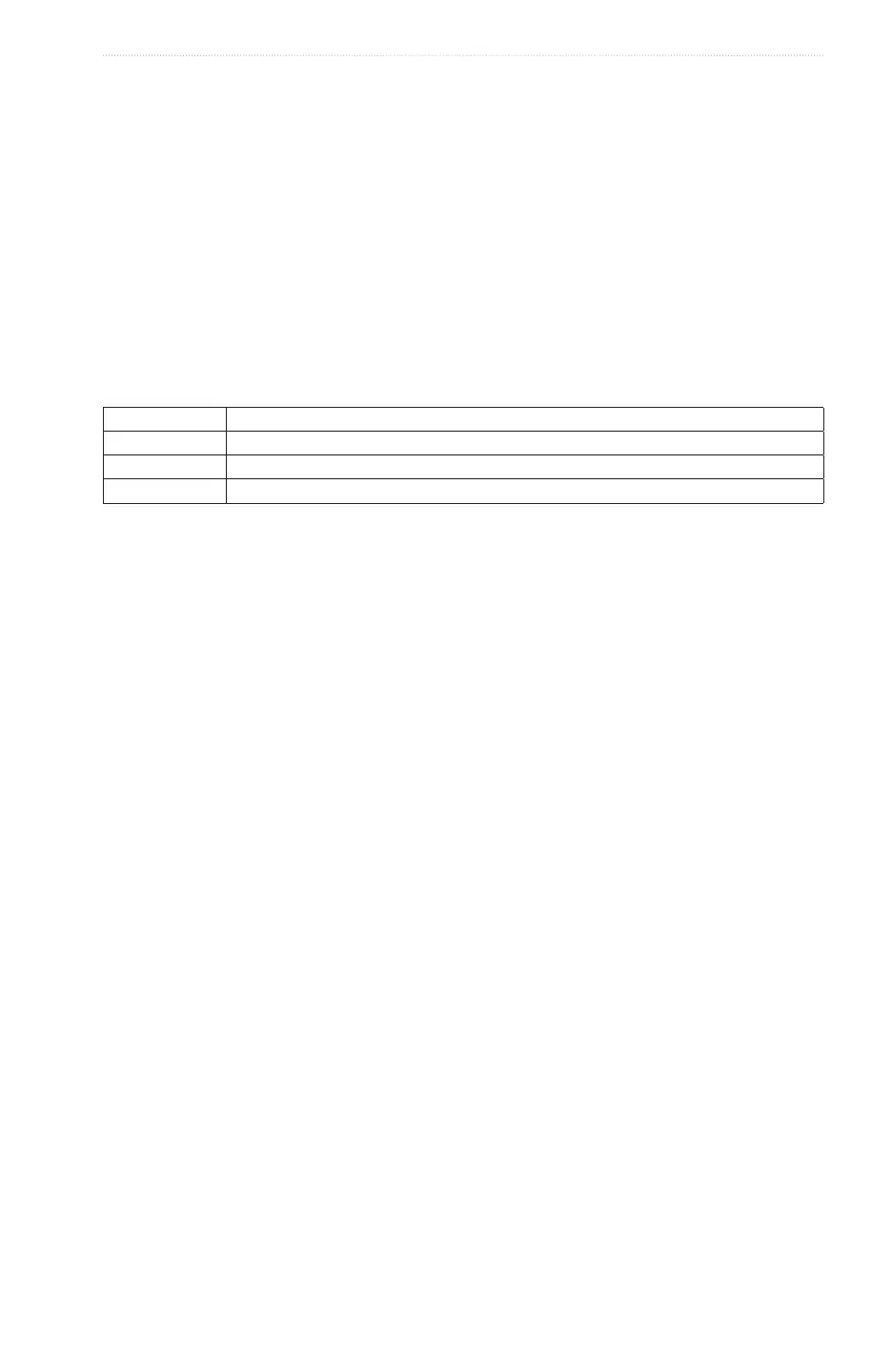
Fishing, Fuel, and Sailing Data Bars
Data Bar Data Shown
Fishing Depth, water temperature, and water speed
Fuel Fuel rate, remaining fuel, range, and fuel economy
Sailing Water speed, wind speed, wind angle, and wind velocity made good
Showing the Fishing, Fuel, or Sailing Data Bars
The shing, fuel, and sailing data bars appear in a row across the bottom of the chart. Only one of these three
data bars can appear at a time.
1. From the Home screen, select .
2. Select a chart or a 3D chart view.
3. Complete an action:
• Select > > > .
• Select > > >.
• Select > > > .
: When you show any one of these three data bars, the other two data bars are hidden automatically.
Setting True or Apparent Wind for the Sailing Data Bar
You should show the sailing data bar before you congure it (page 57).
You can select the type of wind data that appears in the sailing data bar.
1. From the Home screen, select .
2. Select a chart or a 3D chart view.
3. Select > > .
4. Complete an action:
• Select > to show the ow of air experienced while on a boat in motion.
• Select > to show the ow of air experienced while on a stationary boat.














 To Next Page