Viewing Information
GPSMAP 400/500 Series Owner’s Manual 33
You must manually select the number of engines shown in the engine gauges
(page 32) before you can select the engines for which information appears in
the gauges.
1. From the Home screen, select > > >
> > > .
2. Select .
3. Select the number of the engine for which you want to view information in
the rst gauge or bar.
For example, if you select “3,” the rst engine bar shows information for
the engine identied as “Engine3” on the NMEA 2000 network.
4. Repeat step 3 for the second, third, and fourth engine bar, as needed.
5. Select .
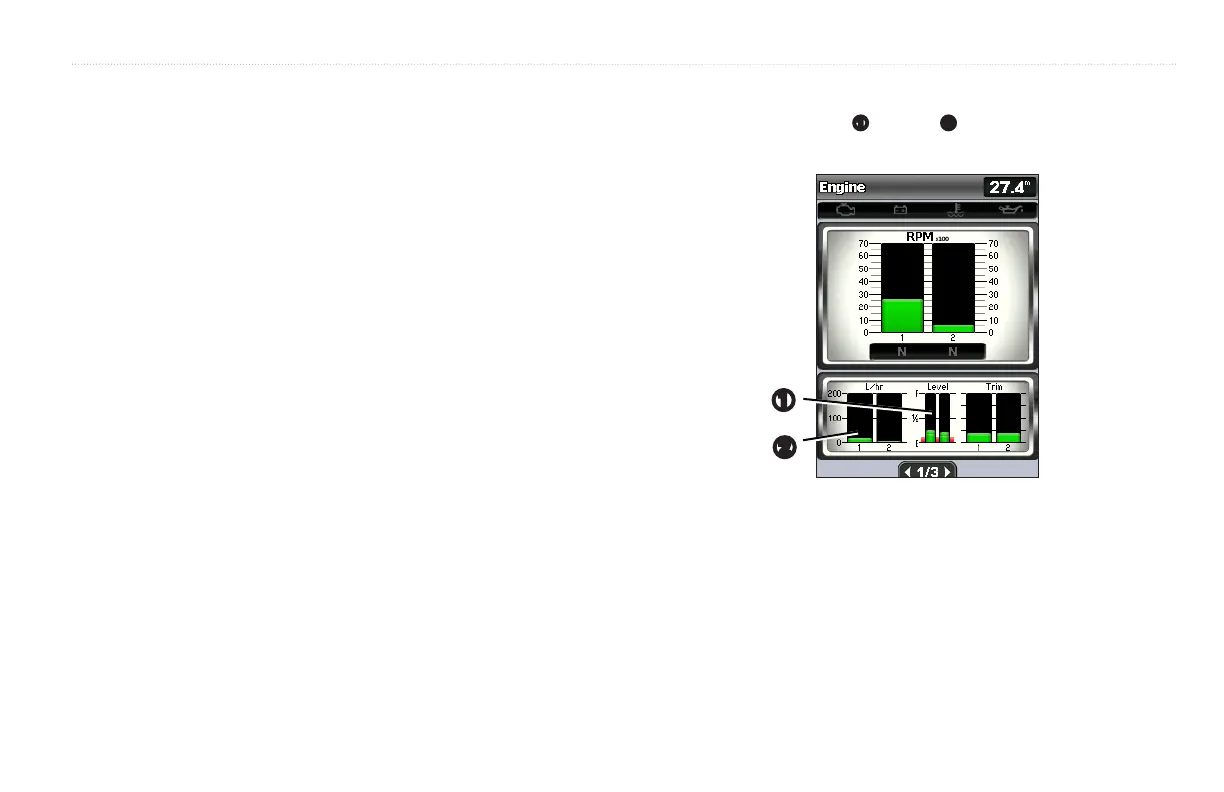
To view engine information, your chartplotter must be connected to a device
capable of measuring fuel level
➊
, fuel ow
➋
, or both.
From the Home screen, select > > .
➊
➋
The amount of fuel on board can be represented by either the total fuel level
(numeric) or by individual tank level (graphic).
From the Home screen, select > > >
> > .
• —select to display a numeric value for the total
fuel level.
• > —select to display a graphical
representation of all the specied tanks.













 To Next Page