Viewing Information
34 GPSMAP 400/500 Series Owner’s Manual
To view engine information, your chartplotter must be connected to a device
capable of measuring fuel level, fuel ow, or both.
From the Home screen, select > > .
From the Home screen, select > > (or
> .
• —select when your tanks are full. The fuel level is
reset to maximum capacity. Adjust if necessary.
• —select when you have added less than a full tank.
Enter the amount of fuel added. Select . An estimate of the fuel
added appears. Adjust if necessary.
• —select to specify the total fuel in your tanks.
Select .
From the Home screen, select > > .
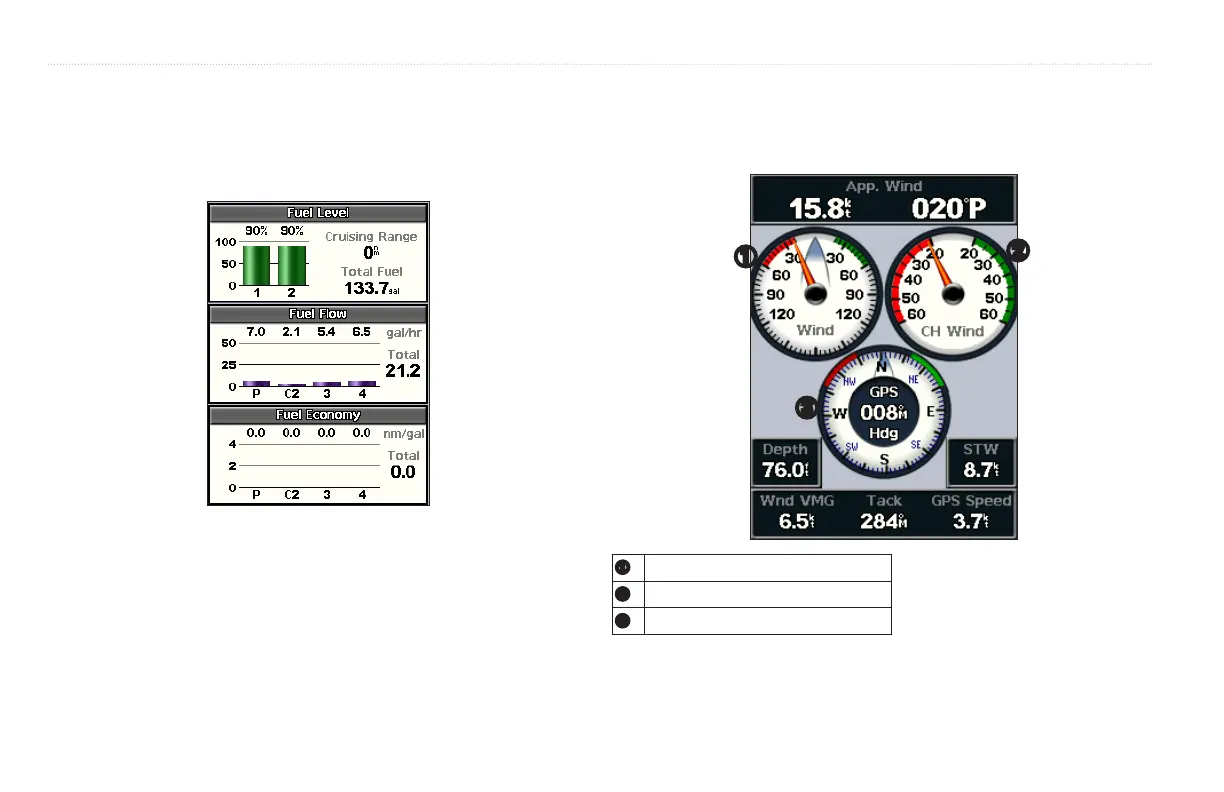
➊
➌
➋
➊
Wind gauge
➋
Close hauled wind gauge
➌
Compass













 To Next Page