Marking Your Present Location
Use the Enter/Mark key to capture your present location to create
a new waypoint. You must have a valid position (2D or 3D) x to
mark your present location.
To mark your present location:
1. Press and hold the Enter/Mark key until the New Waypoint
page opens, then release it. A default four-digit name and
symbol are assigned for the new waypoint.
New Waypoint page
2. Use the Rocker to highlight OK, and press Enter to accept
the waypoint with the default information.
To change any information on the New Waypoint page,
highlight the appropriate eld, and press Enter. After entering
and conrming your changes, highlight OK, and press Enter.
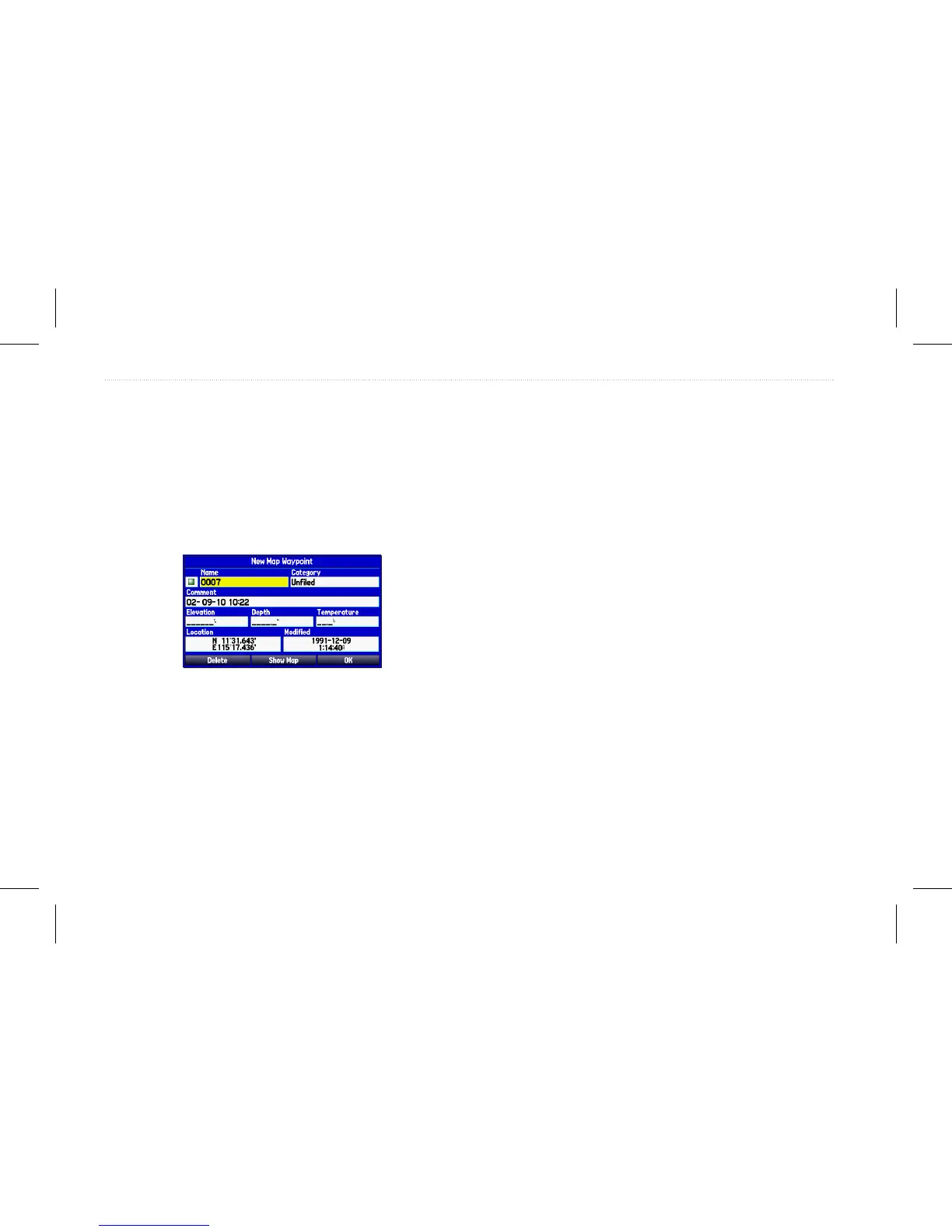
Creating Waypoints Using the Map
You can quickly create a waypoint using the Map page.
To create a new waypoint using the Map page:
1. Use the Rocker to move the arrow to the map location or
map feature you want.
2. Press and quickly release Enter/Mark to capture the arrow
location.
If you highlight a map feature, an information page opens
after you press Enter. Highlight Save, and press Enter to
save the map item as a waypoint.
3. To accept the waypoint with the default information, highlight
OK, and press Enter.
To change any information on the New Map Waypoint page,
highlight the appropriate eld, and press Enter. After entering
your changes, highlight OK, and press Enter.
22 GPSMAP 580/585 Owner’s Manual
Operation Mode














 To Next Page