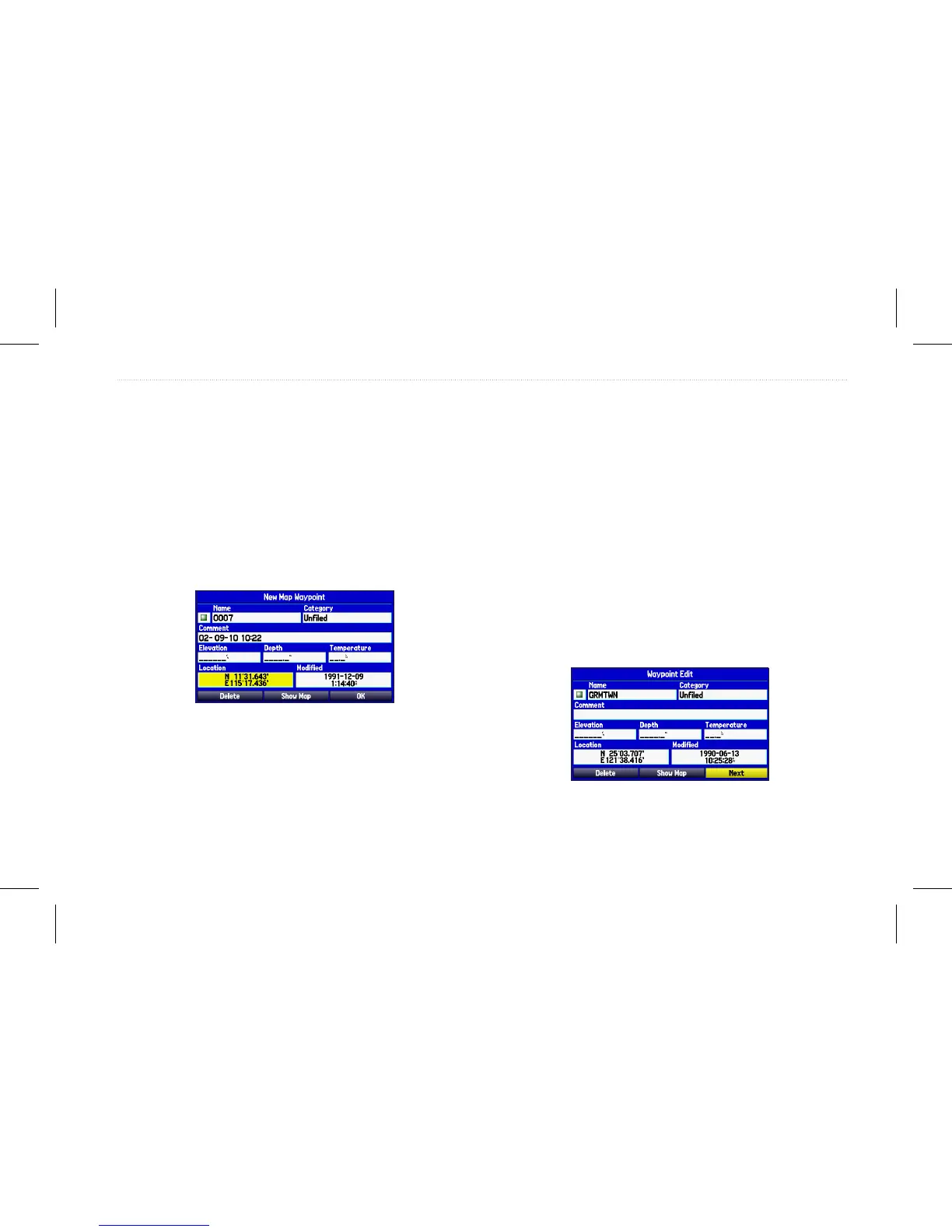
Creating a Waypoint by Entering Coordinates
You can manually enter location coordinates to create a waypoint.
To create a new waypoint by entering location
coordinates:
1. Press and hold Enter/Mark to create a waypoint. The new
waypoint is created and uses the next available waypoint
number and the last known location of the receiver as the
default location.
2. On the New Waypoint page, highlight the Location eld, and
press Enter.
Entering location coordinates.
3. Use the Rocker to enter location coordinates, and press
Enter.
To change any of the other information on the New Map
Waypoint page, highlight the appropriate eld, and press
Enter. After entering your changes, highlight OK, and press
Enter.
Reviewing a Waypoint
After you create and store a waypoint, you can modify, review,
rename, move, or delete it at any time using the Waypoint Review
and Waypoint Edit pages.
To access the Waypoint Review page:
Highlight a waypoint on the Map page, and then press Enter to
open the Waypoint Review page.
If the waypoint is located on a map feature or BlueChart
®
g2
feature, the Waypoint Review page might include additional tabs
containing information about other features at that location.
Waypoint Review page
GPSMAP 580/585 Owner’s Manual 23
Operation Mode














 To Next Page