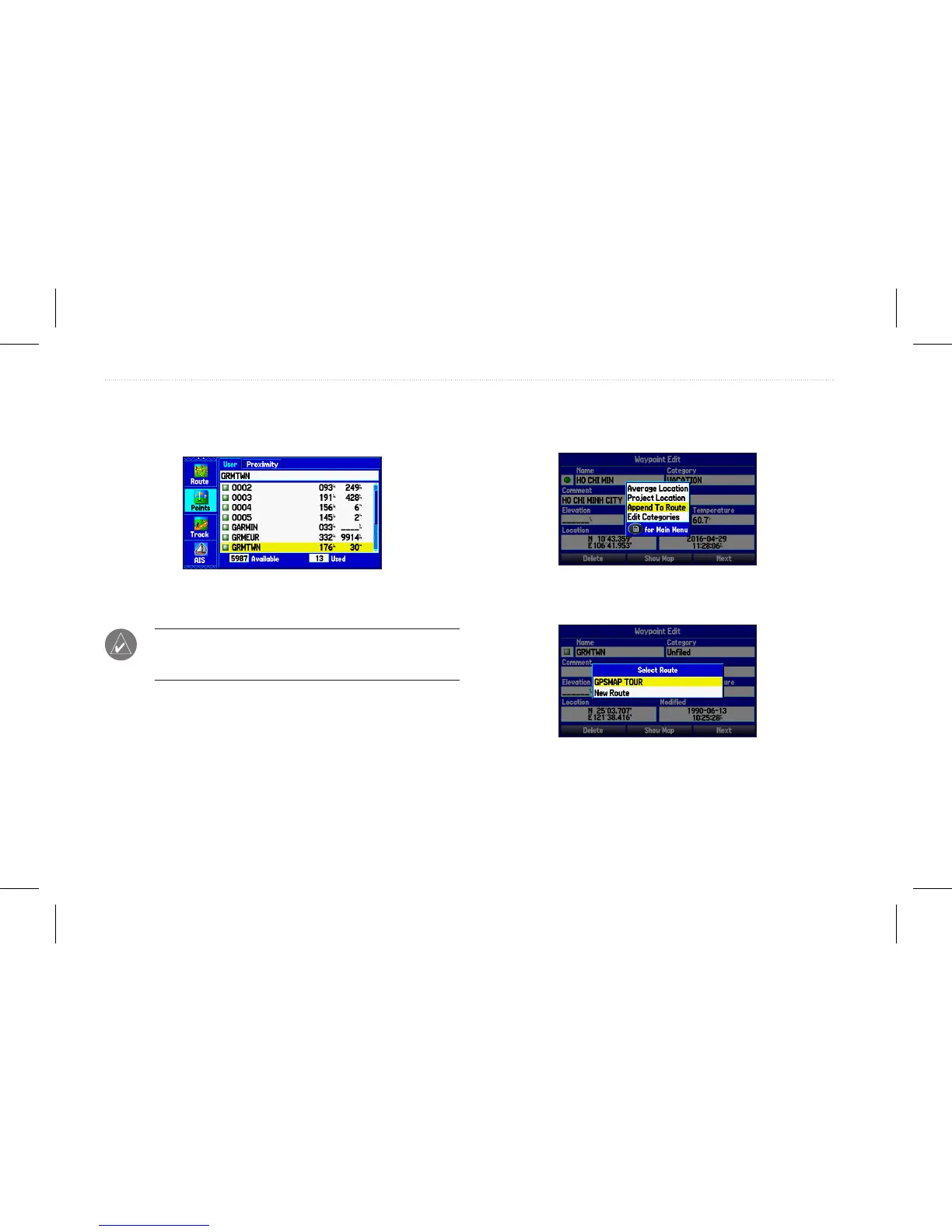
To access the Waypoint Edit page:
1. On the Main Menu, select the Points tab.
2. Select a waypoint from the list.
Points Tab
3. Press Enter to open the Waypoint Edit page.
NOTE: If the waypoint is located on a map feature or
BlueChart
®
g2 feature, the Waypoint Edit page will not show the
details of the other map features.
Adding a Waypoint to a Route
Use the Append to Route option to add the selected waypoint
to the end of a route. This option is available only when you are
not navigating. When you are navigating to a destination, Add to
Current Route opens. The selected waypoint is added to the current
route before the route destination.
To add a waypoint to the end of the route:
1. Open the Waypoint Edit page, and press Menu to open the
options menu.
Waypoint Options menu
2. Select Append To Route.
3. Highlight a route, or select New Route, and press Enter.
4. Highlight OK, and press Enter to save the waypoint.
24 GPSMAP 580/585 Owner’s Manual
Operation Mode














 To Next Page