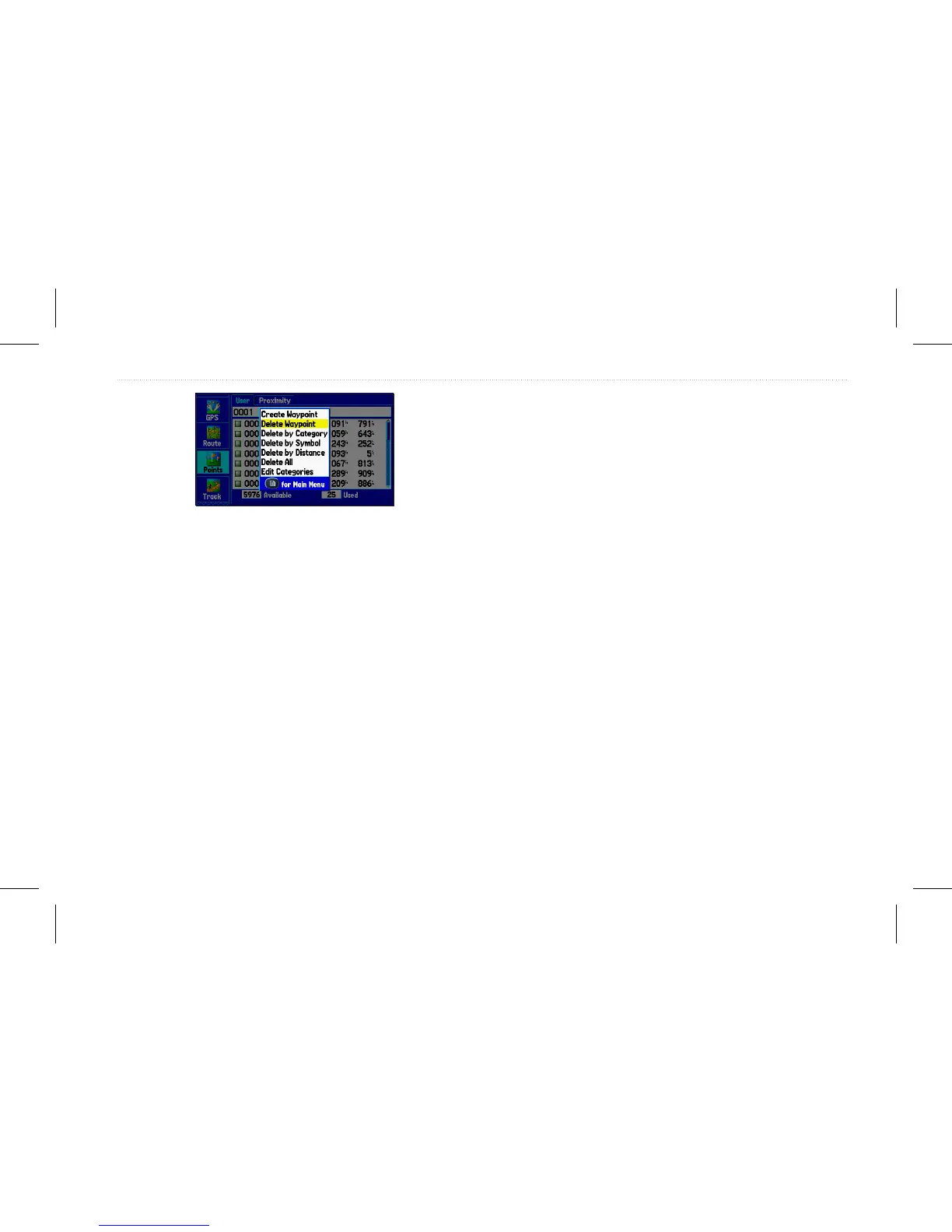
4. Press Enter.
To delete waypoints by symbol or category:
1. On the User sub tab, highlight the waypoint to delete, and
press Menu.
2. Highlight Delete by Symbol or Delete by Category, and
press Enter.
3. Highlight the symbol or category you want to delete, and
press Enter.
4. Highlight OK, and press Enter.
To delete waypoints by distance:
1. On the User sub tab, highlight the waypoint to delete, and
press Menu.
2. Highlight Delete By Distance, and press Enter.
3. Select Less Than or More Than, and enter the distance.
4. Select a waypoint or point of interest as the From location.
5. Highlight the From eld and press Enter.
6. Select a location on the Find page, and press Enter.
7. Highlight OK, and press Enter.
8. Highlight Delete, and press Enter to delete all waypoints
within the set location.
GPSMAP 580/585 Owner’s Manual 29
Operation Mode














 To Next Page