Compass Page Options
Use the options menu on the Compass page to customize the
Compass page.
1. Press Page until the Compass page appears.
2. Press Menu to open the Compass page options menu.
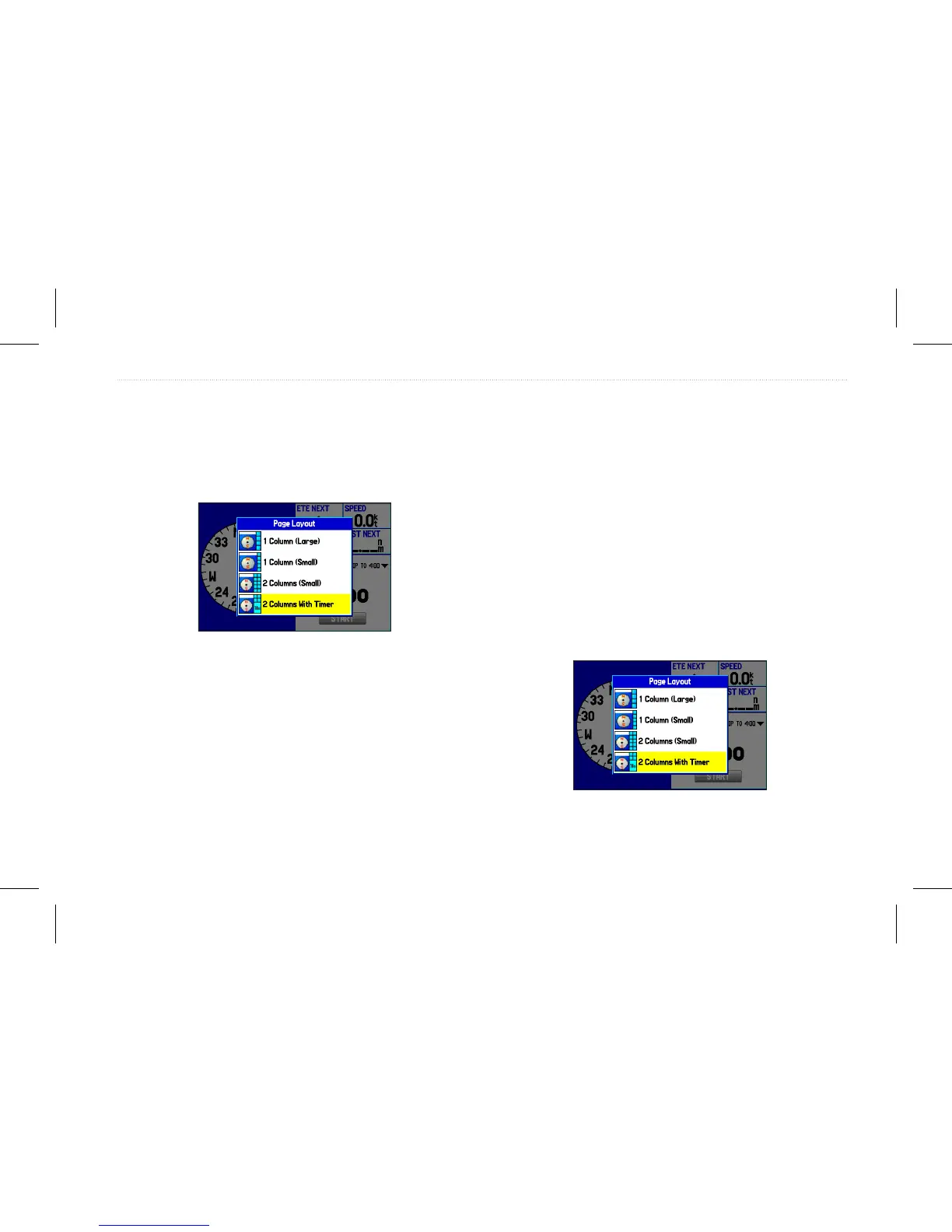
Set Up Page Layout—allows you to select the page layout.
Show Course Pointer/Show Compass—allows you to toggle
between showing the Course Pointer, which shows how far off you
are from your course and how to get back on course, or shows the
compass arrow. The Course Pointer is also referred to as a CDI or
Course Deviation Indictor.
Show (Hide) Bug Indicator—shows the course to steer bug
indicator (the purple tick mark on the compass ring).
Change Data Fields—allows you to change on-screen data elds.
Using the Marine Timer
The Marine Timer, specically designed for sail boat racing, allows
you to easily count up or down by specied time increments. As
is common in sail boat racing, there is often a 5-minute warning
countdown, followed by a 4-minute preparation countdown, and
nally a 1-minute nal countdown.
You can use your GPSMAP 580/585 to perform each of these
different countdowns.
To open the Marine Timer:
1. On the Compass page, press Menu.
2. Highlight Set Up Page Layout, and press Enter.
3. Highlight 2 Columns With Timer, and press Enter. The
Marine Timer appears in the lower right corner.
GPSMAP 580/585 Owner’s Manual 43
Operation Mode Pages














 To Next Page