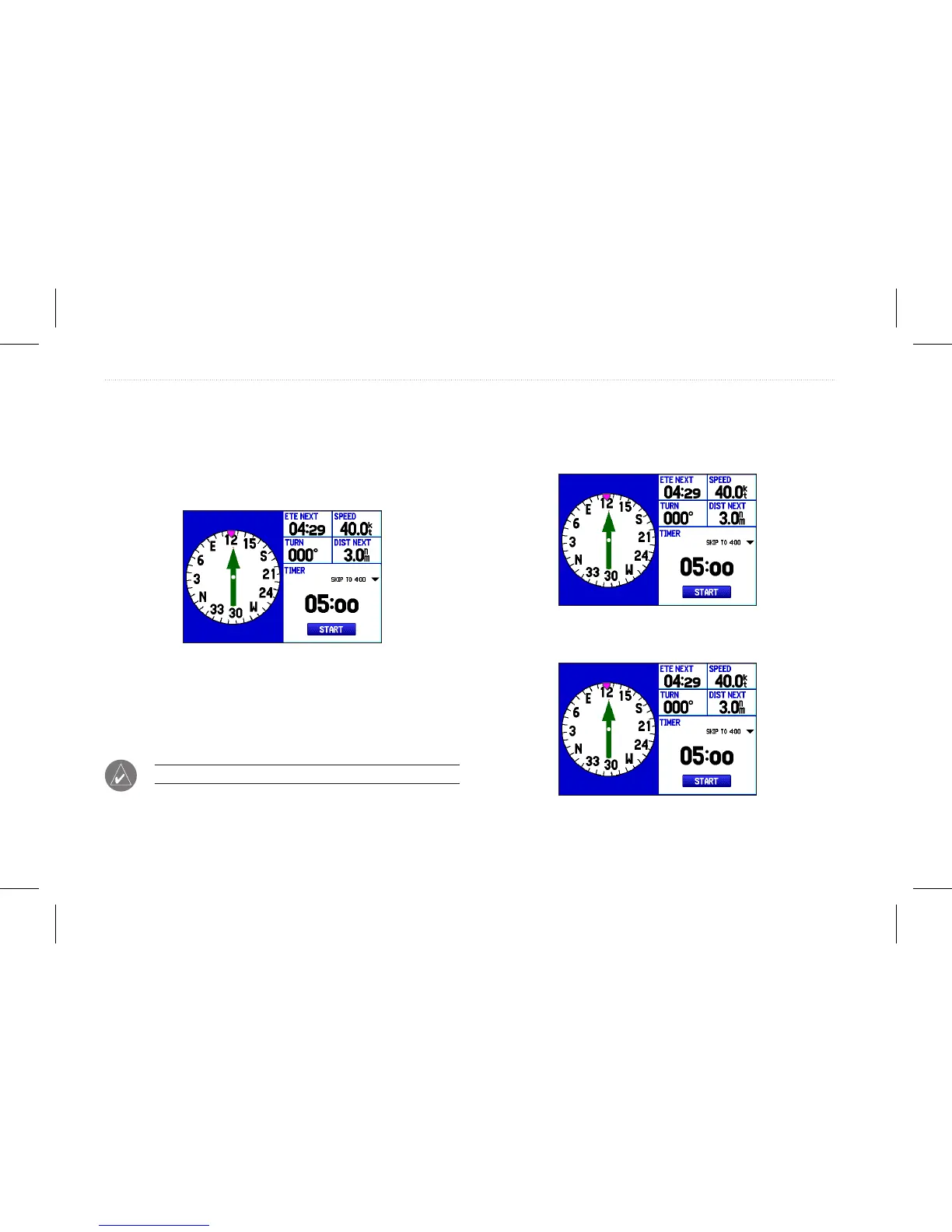
To use the Marine Timer:
1. Press the Rocker up or down to select the time you want to
count. 5-minutes is the default.
2. Press Enter to start the timer. Use the Rocker during the
timing to quickly select a different length of time.
3. Press Enter to stop timing.
Marine Timer on the Compass page
As discussed previously, the timer is set to count down 5-minutes. If
you want to change the length of time and the behavior of the timer,
highlight the Setup tab on the Main menu, and then select the Timers
sub tab.
NOTE: You can set the timer countdown for up to 60 minutes.
To set the Marine Timer:
1. On the Main menu, highlight the Setup tab, and then select
the Timers sub tab.
2. Highlight Stop to change the timer.
3. To enter a new time, highlight the time eld, press Enter, and
then use the Rocker.
44 GPSMAP 580/585 Owner’s Manual
Operation Mode Pages














 To Next Page