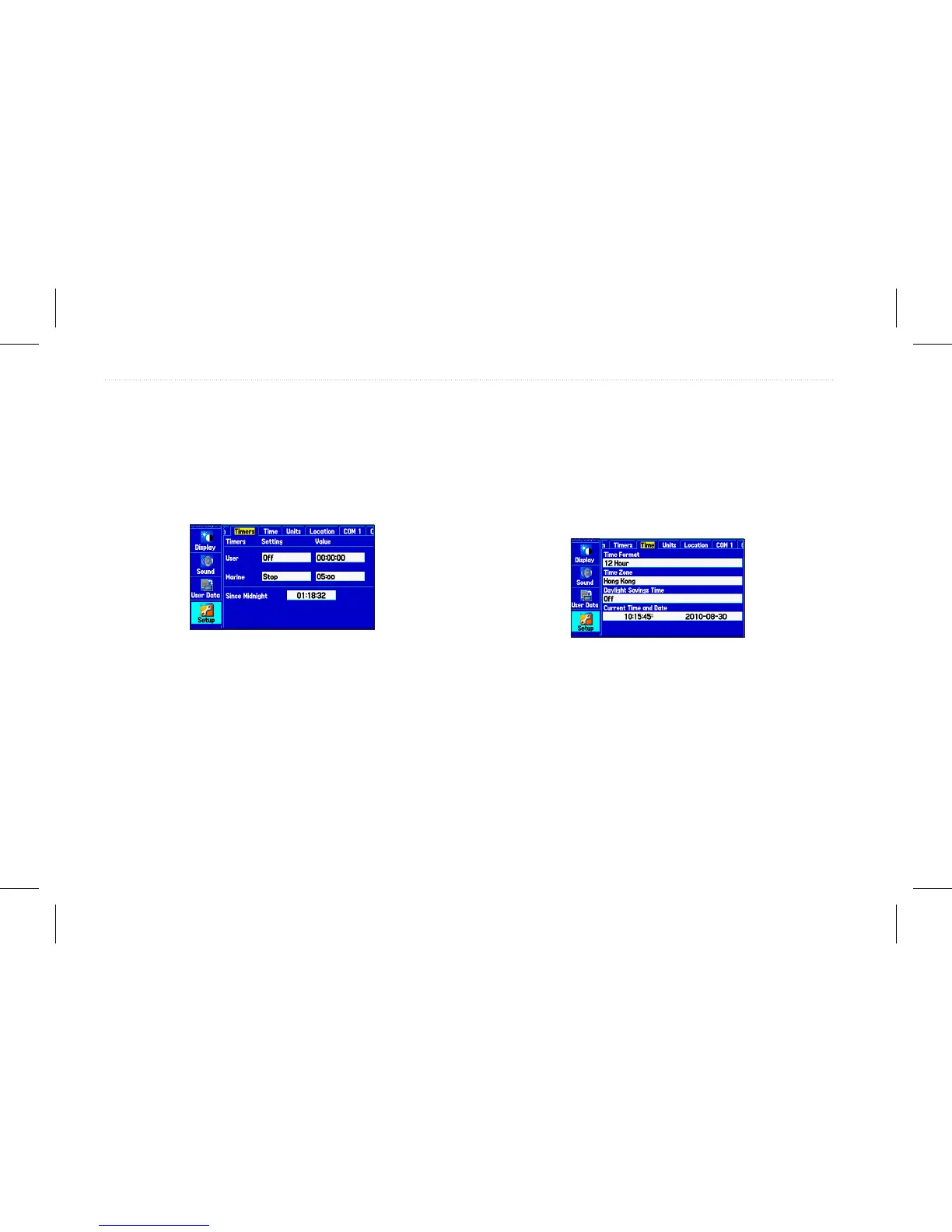
Timers Sub Tab
Use the Timers sub tab to set timers and view information about how
long the unit has been on.
To access the Timers sub tab:
1. On the Main menu, highlight the Setup tab.
2. Select the Timers sub tab.
Timers sub tab
User—allows you to set the timer to Count Up or Count Down.
You can also Reset the timer and turn it Off. Enter a time to use
when counting up or down.
Marine—appears on the Compass Page in Operation mode.
Since Midnight—allows you to show the time the unit was turned
on since midnight. To reset, select All Unit Defaults on the System
sub tab.
Time Sub Tab
Use the Time sub tab to set the time format and zone, and set the
unit to conform to Daylight Saving Time. The current time and date
appear in the Current Time and Date eld.
To access the Time sub tab:
1. On the Main menu, highlight the Setup tab.
2. Select the Time sub tab.
Time sub tab
Time Zone—allows you to choose the time zone for your city so the
GPSMAP 580/585 shows the correct local time. Select Other to
enter a UTC Offset.
If the wrong date appears, press Menu, highlight Set Date, and press
Enter. You are prompted to enter the current year. The GPSMAP
580/585 uses this information when gathering satellite data to show
the correct date.
66 GPSMAP 580/585 Owner’s Manual
Main Menu














 To Next Page