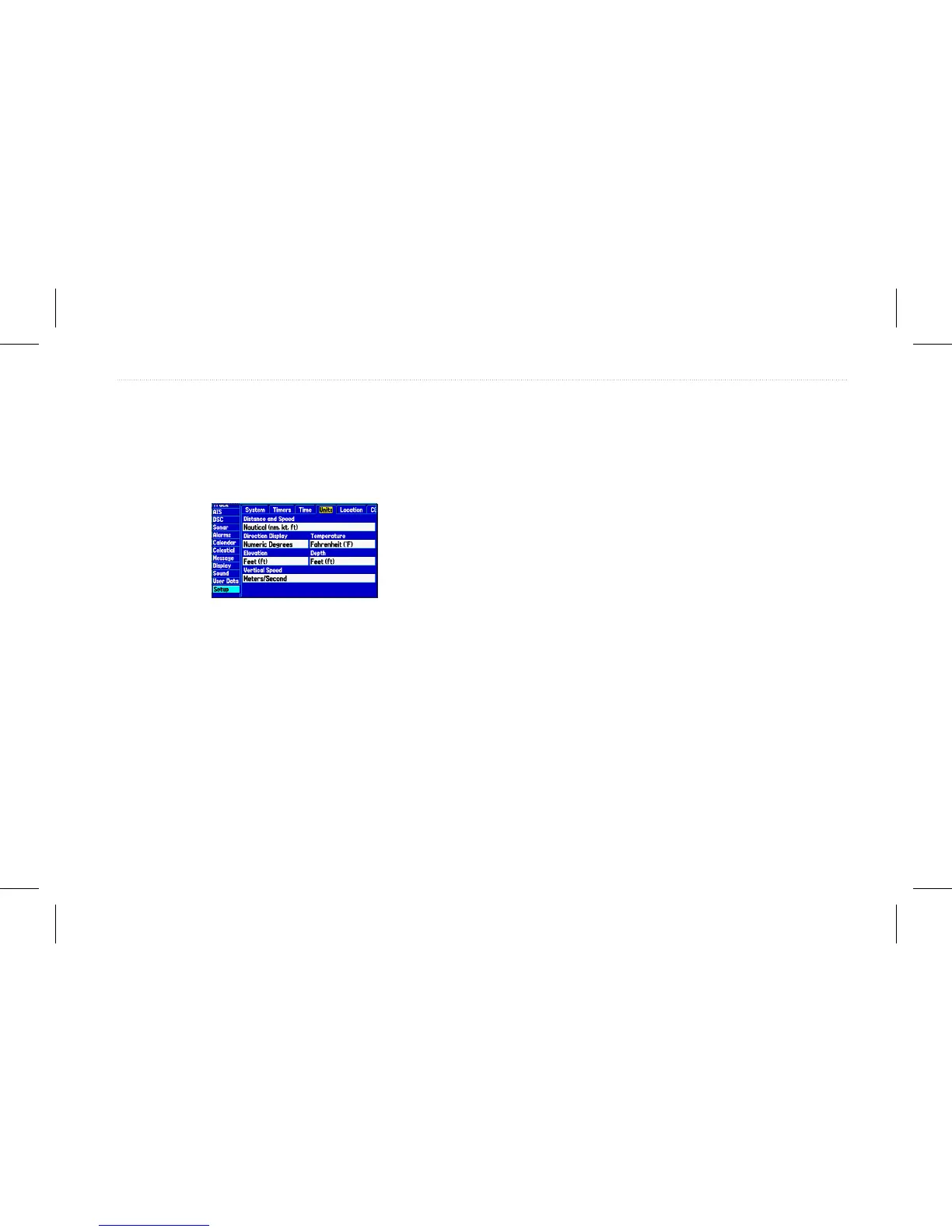
Units Sub Tab
Use the Units sub tab to customize measurement units.
To access the Units sub tab:
1. On the Main menu, highlight the Setup tab.
2. Select the Units sub tab.
Distance and Speed—allows you to select the unit of measure to
show your speed and distance traveled.
Direction Display—allows you to select the unit of measure to
show your direction.
Temperature—allows you to select the unit of measure to show the
temperature.
Elevation—allows you to select the unit of measure to show your
altitude.
Depth—allows you to select the unit of measure to show the depth.
Vertical Speed—allows you to select the unit of measure to show
the vertical speed.
Location Sub Tab
Use the Location sub tab to change location setting information.
To access the Location sub tab:
1. On the Main menu, highlight the Setup tab.
2. Select the Location sub tab.
See the “Appendix” for more information about location formats
and map datums.
Changing the Location Format
When you change the Location Format, you change the coordinate
system in which a given location reading appears. The default
format is latitude and longitude in degrees, minutes, and thousandths
of a minute (hddd°mm.mmm). Only change the location format if
you are using a map or chart that species a different location format
or you want to use a format you are familiar with.
Selecting a Different Map Datum
Datums are used to describe geographic positions for surveying,
mapping, and navigation and are not actual maps built in the unit.
Only change the datum if you are using a map or chart that species
a different datum.
The default setting is WGS 84. The unit automatically selects the
best datum depending on your chosen location format.
GPSMAP 580/585 Owner’s Manual 67
Main Menu














 To Next Page