CHAPTER 3: Maintaining and Upgrading Your Notebook www.gateway.com
44
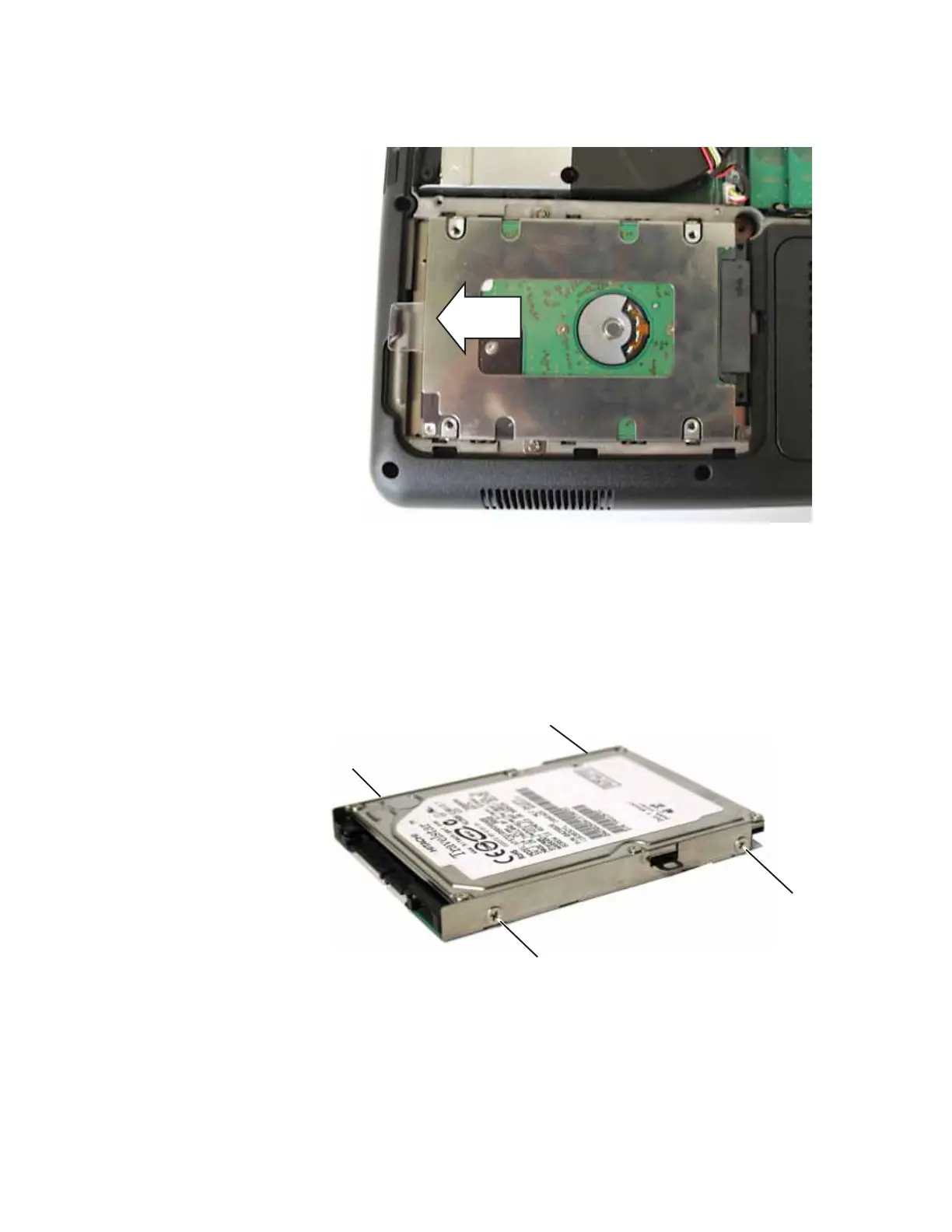
14 Using the plastic tab, slide the old hard drive, then remove it.
15 If your new hard drive already includes the hard drive bracket, go to
Step 20.
-OR-
If you need to move the hard drive bracket from your old hard drive to
your new hard drive, go to Step 16.
16 Remove the four screws that secure the hard drive to the hard drive
bracket.
Screw
Screw
Screw
Screw













 To Next Page