Instructions for DKC500ACL/DKC800ACL
www.gatexpertstore.com
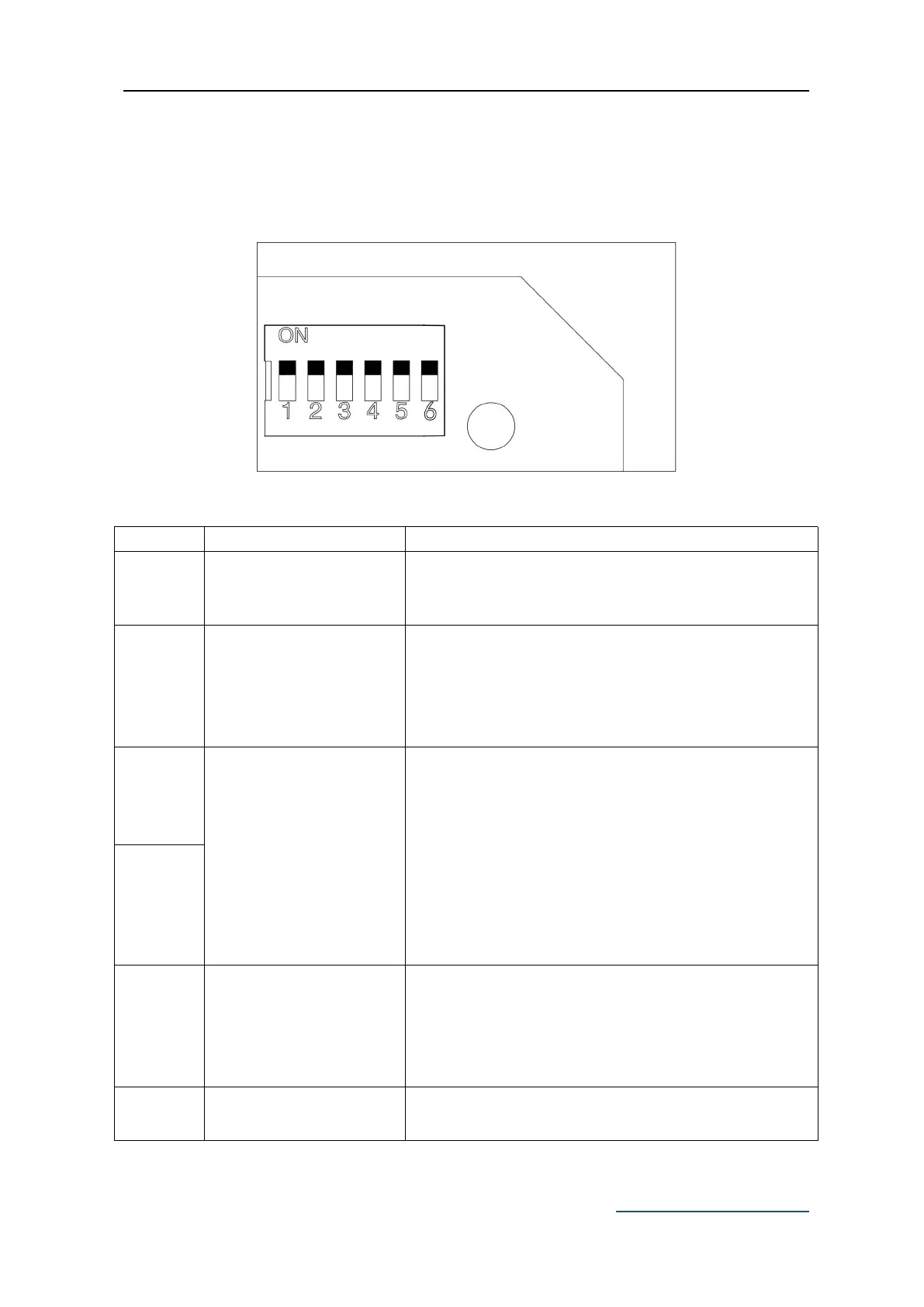
DIP Switch Adjustment
All changes to these settings must be completed by a licensed electrician
Figure 17
OFF–enabled
ON–disabled
Default position is OFF.
OFF–Normal Open
ON–Normal Close
Default position is ON, this should align with limit
switch and is not recommended to be modified by
the users.
Automatic Close Time
Setting
Automatic close time setting: the gate is operated to
open by remote control operation and will close
automatically after a few seconds delay.
3 OFF 4 ON: automatic close delay time is 12s.
3 ON 4 OFF: automatic close delay time is 24s.
3 ON 4 ON: automatic close delay time is 36s.
3 OFF 4 OFF: no automatic close function.
Default setting: 3 OFF 4 OFF
Disable the automatic close function.
OFF-enable
ON-disable
Default position is OFF, this should align with the
opener status and is not recommended to be
modified by the users.
Remote Control Mode
Switch
OFF-single channel mode
ON-four channel mode



 To Next Page