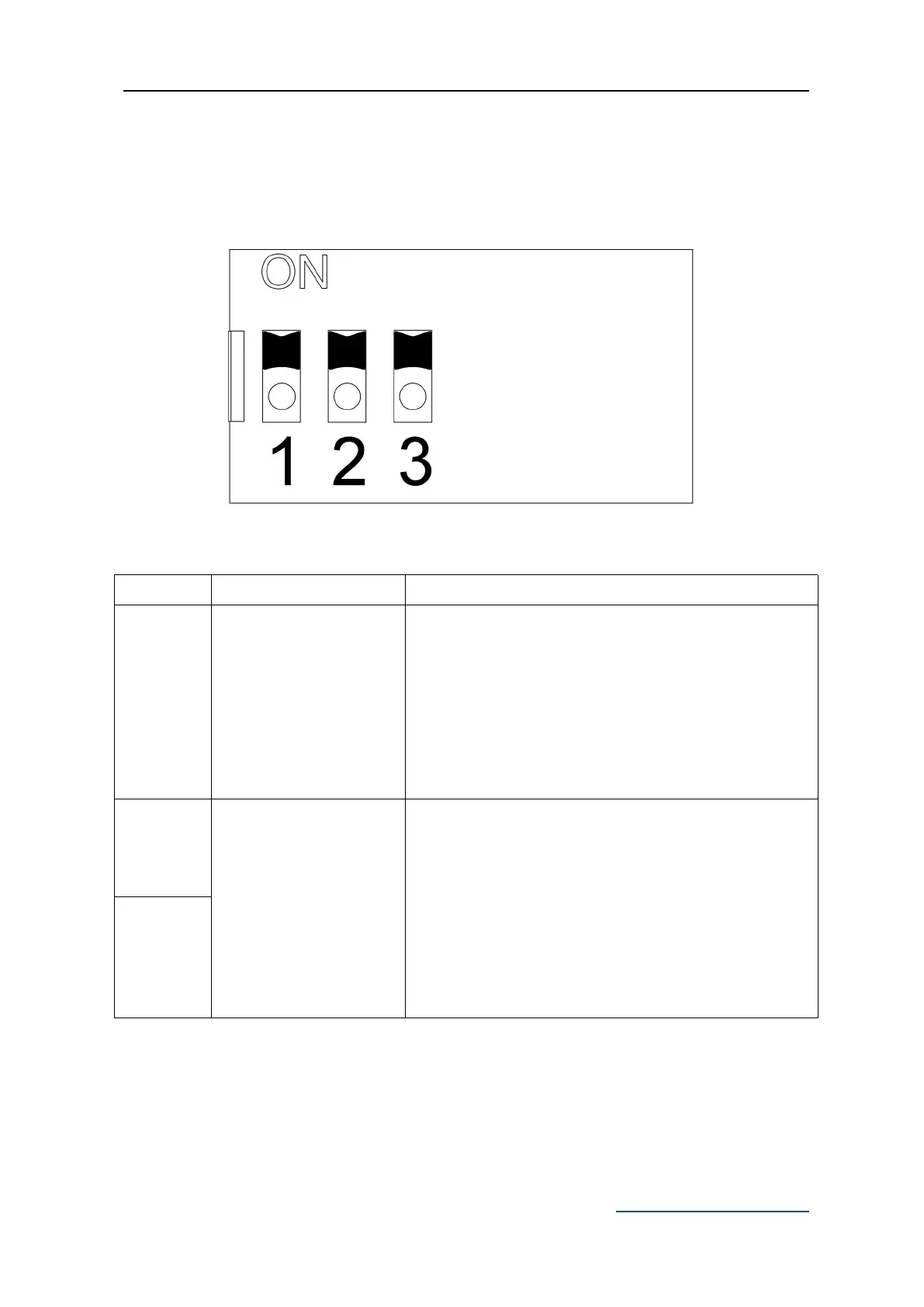
ON-Three button switch
:
X4 Terminal OPN - Open, CLS - Close, STP - Stop,
COM - Common Terminal
OFF-Single button switch
:
CLS and COM on X4 Terminal can be used to
circularly control OPEN/STOP/CLOSE/STOP of the
gate opener.
Automatic close time setting: the gate is operated to
open by remote control operation and will close
automatically after a few seconds delay.
2 ON 3 OFF: automatic close delay time is 15s.
2 OFF 3 ON: automatic close delay time is 30s.
2 OFF 3 OFF: automatic close delay time is 45s.
2 ON 3 ON: No automatic close function.
Default setting: 2 ON 3 ON
Disable the automatic close function.



 To Next Page