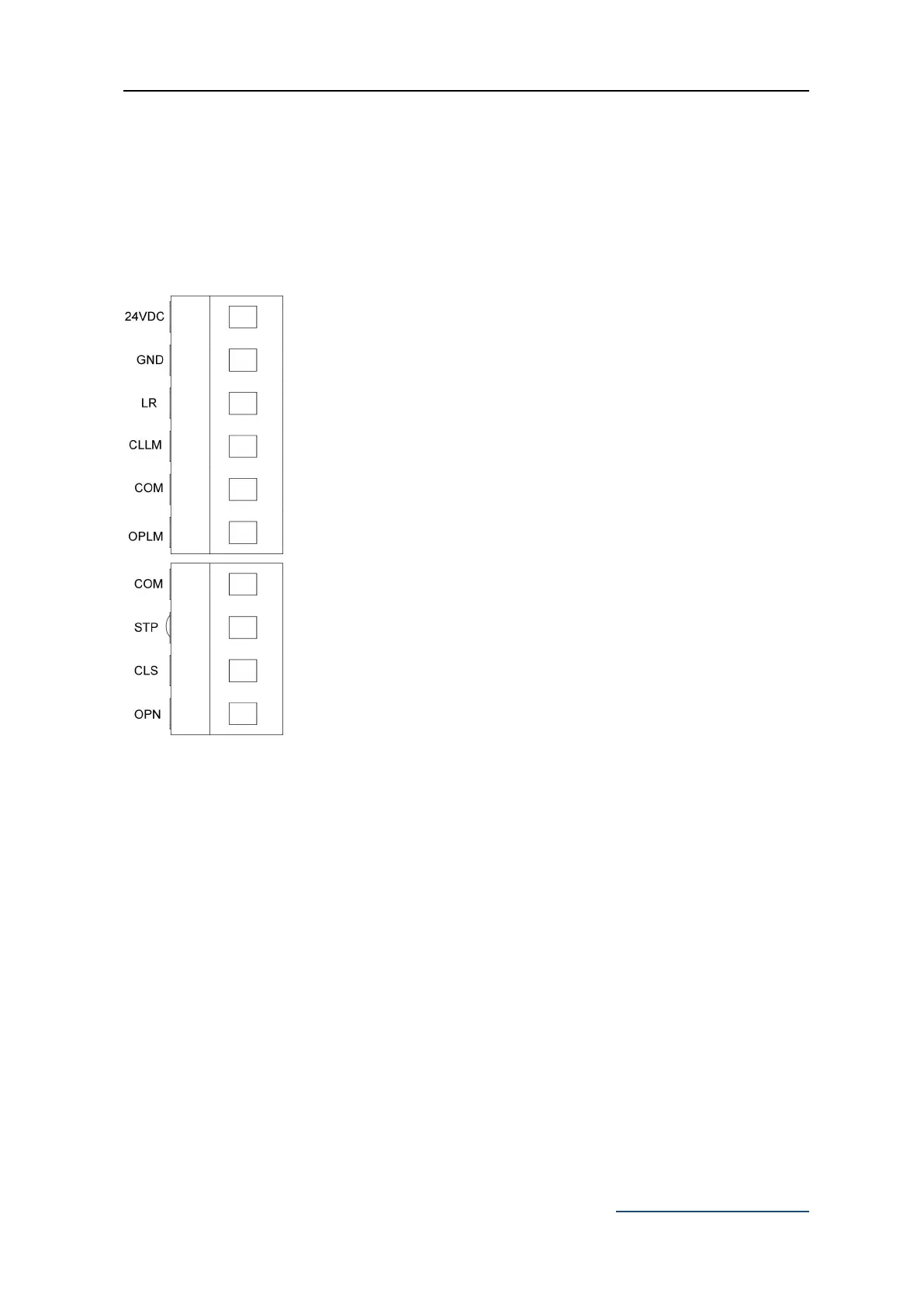
X5 Terminal: Limit Switch and Photocell Switch.
Additional accessories sold separately
24VDC: Positive Power Supply for Accessories +24VDC.
GND: Negative Power Supply for Accessories -GND.
LR: Photocell Input (N.C.).
If no photocell, connect LR and GND by a jumper.
CLLM: Close Limit Switch.
COM: Limit Switch Common Terminal.
OPLM: Open Limit Switch.
X4 Terminal: External Push Button.
COM: Common Terminal for External Push Button.
STP: External Stop Push Button Switch.
CLS: External Close Push Button Switch.
OPN: External Open Push Button Switch.



 To Next Page