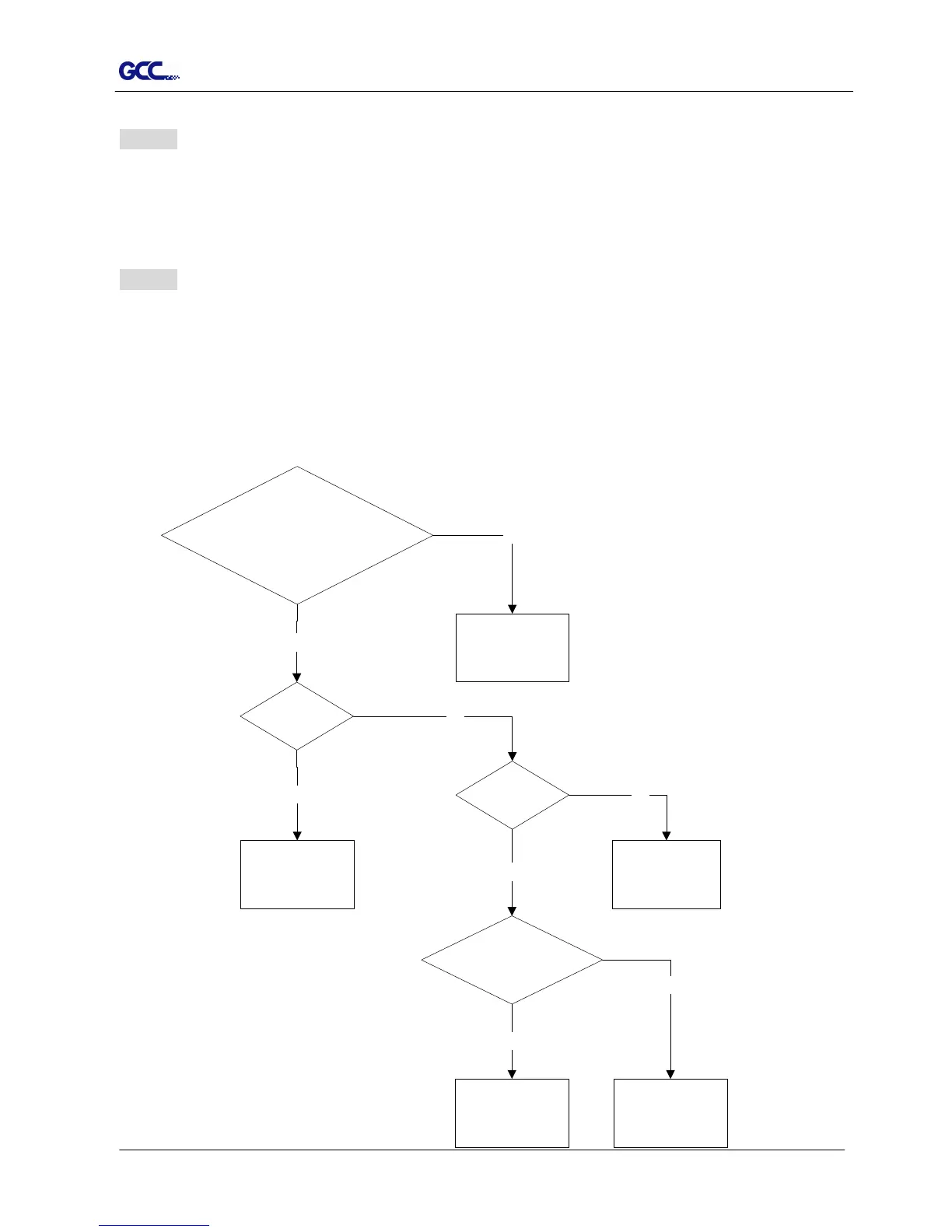
Check pen installed correctly and the blade
holder fastened securely
Yes
Is the blade
broken?
Yes
Replace a new blade
No
Please refer to
Chpater 2.
No
Check tool force
setting
Yes
No
Please refer to 3.23 "
Cutting Test" to
adjust the tool force.
Is there any dirt adhered to
the blade
Yes
Remove the blade
and clean it
Please contact
customer service
persionnel for
technical support
No
Error 3 Check the media, drum or X-motor (Drum driven motor)
This message indicates that there might be a problem on the X-axis.
Please check that the drums are working normally and see that the media is well loaded. Then turn on
the power and reboot the cutting plotter.
Error 4 Check the media, or Y motor (carriage driven motor)
This message indicates that there might be an obstruction to the carriage relating to a problem on the
Y-axis.
Please clear the obstruction and check that the carriage can move smoothly. Then turn on the power
and reboot the cutting plotter.
5.3 Cutting Quality Problems














 To Next Page