- 39 -
232001240G(08)
Set Table Down Page
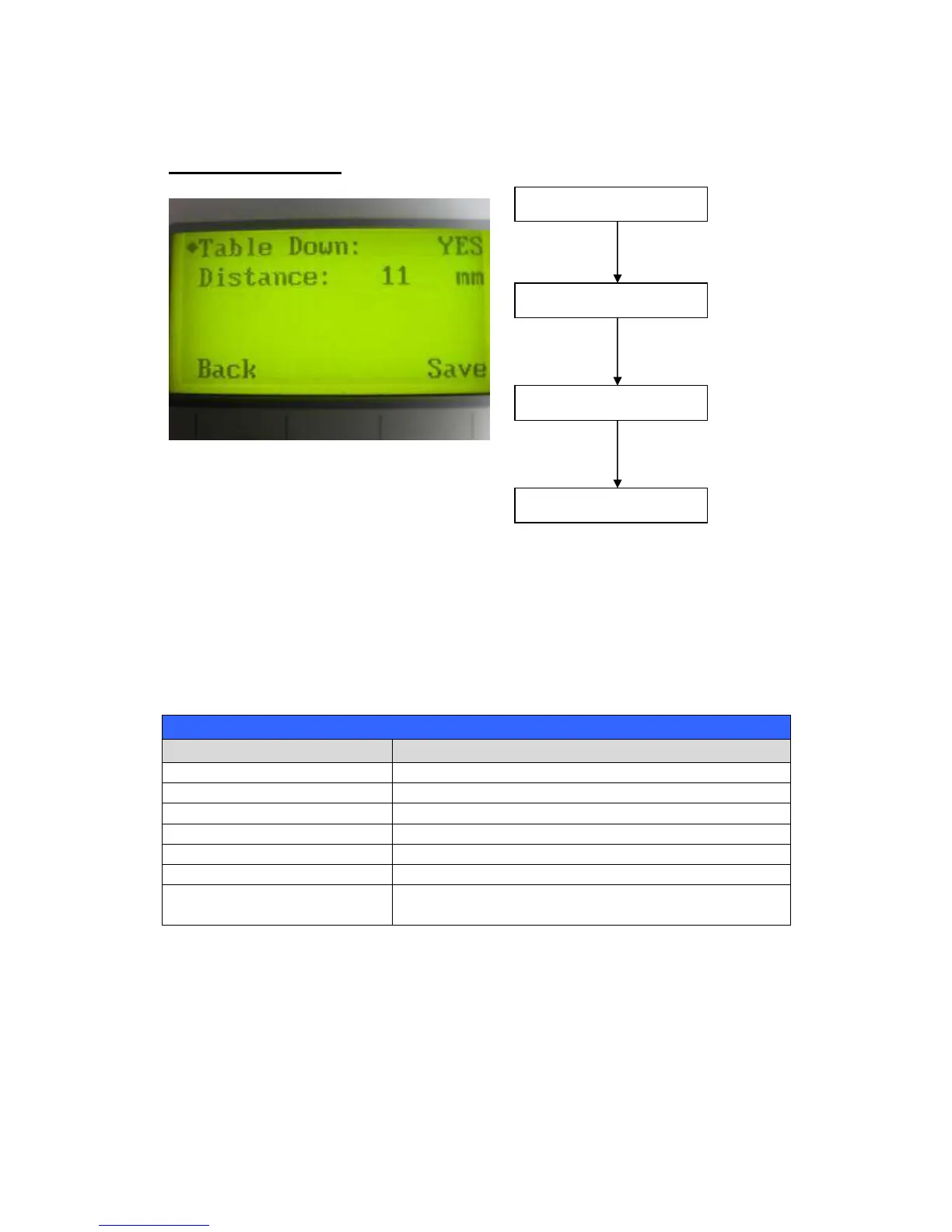
The Set Table Down Page allows you to select whether or not the LaserPro X252RX & X380RX
displays a warning prompt at startup. If the Table Down selection is set to <YES>, the LaserPro
X252RX & X380RX will display a “Table will move down and remove objects on table” warning
prompt on startup. Pressing the Enter key at this point will confirm the prompt to move the work
table to its lowest position. If the Table Down is set to <NO>, then the LaserPro X252RX &
X380RX will not display this warning prompt at system startup.
Table Down: YES / NO
Distance: 0 - 165 mm
Directional
Adjust the value for that selection
Start / Stop Back to Main Work Page
Auto Focus Initiate the auto focus function



 To Next Page