Telephone Set Up
Youcancustomizethe following settingstosuit your needs.
LocalAreaCode Setsyourlocal areacode for Dial Back.
DisplayContrast Selectsthe displaycontrast.
Time/Date Setsthetime and date.
MessageLength Setsthe length of time allowedfor
incomingmessages.
Recording Setstherecordingquality between
Quality standard(STD)andlongplay(LONG).
Ringsto Answer Selectsthe numberof ringsbefore
theunit answers.
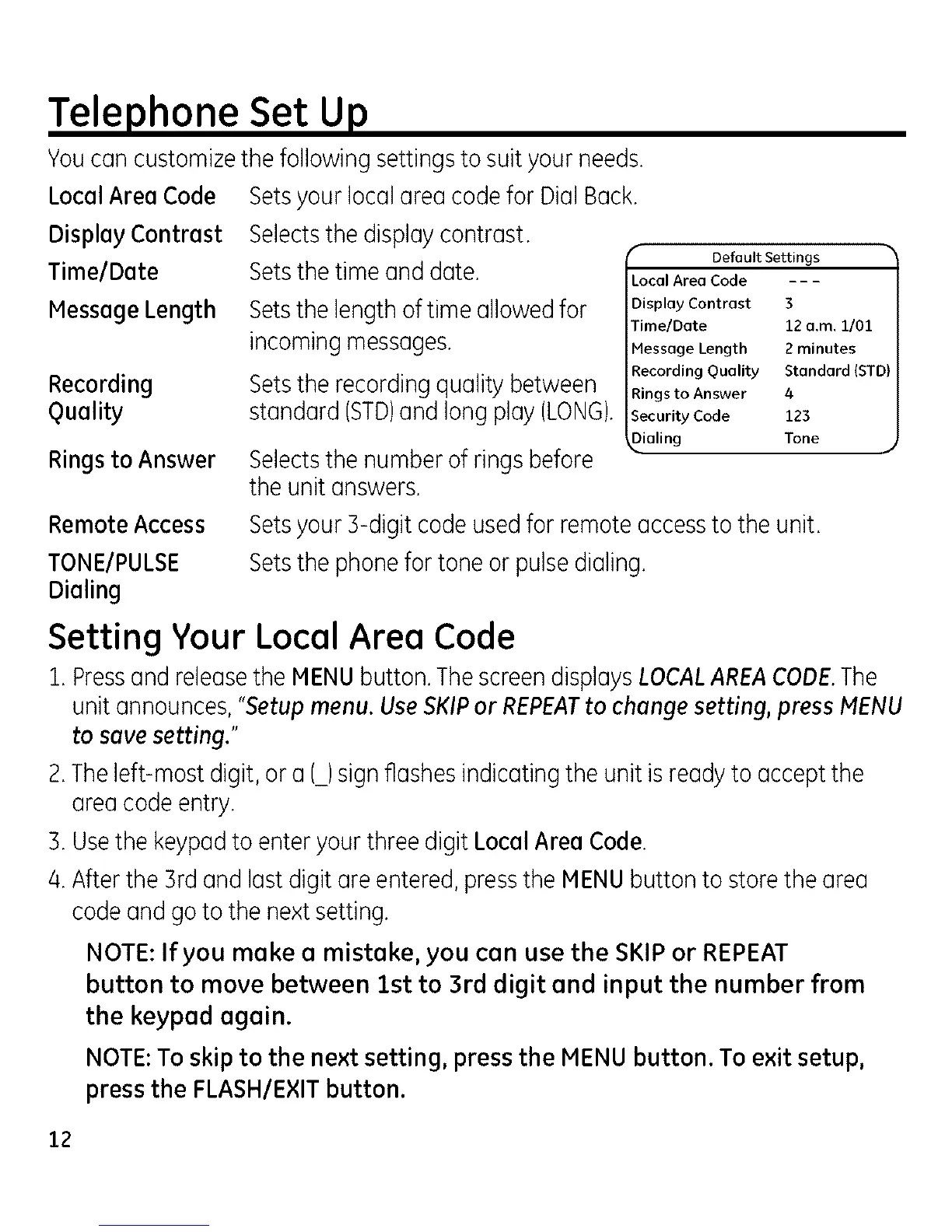
r
Default Settings
Local Area Code - - -
Display Contrast 3
Time/Date 12 a.m. 1/01
Message Length 2 minutes
Recording Quality Standard (STD)
Rings to Answer 4
Security Code 123
Dialing Tone J
Remote Access
TONE/PULSE
Dialing
SetsyourB-digitcodeusedfor remoteaccessto the unit.
Setsthephonefor tone or pulsedialing.
Setting Your Local Area Code
i. Pressand releasethe MENUbutton.ThescreendisplaysLOCALAREACODE.The
unitannounces,"Setupmenu. UseSKIPor REPEATto changesetting, press MENU
to savesetting."
2.The left-mostdigit, or a (_)signflashesindicatingthe unit isreadyto acceptthe
areacodeentry.
3.Usethe keypadto enteryour three digit LocalAreaCode.
/4.Afterthe 3rdand last digitare entered,pressthe MENUbutton to storethearea
codeandgo to the nextsetting.
NOTE:If you make a mistake, you can use the SKIPor REPEAT
button to move between 1st to 3rd digit and input the number from
the keypad again.
NOTE: To skip to the next setting, press the MENU button. To exit setup,
press the FLASH/E×IT button.
12



 To Next Page