Caller ID Features
IMPORTANT:In order to use this unit's Caller ID features, you must
subscribe to either the standard Name/Number Caller ID Service or
Call Waiting Caller ID Service. To know who is calling while you are
on the phone, you must subscribe to Call Waiting Caller ID Service.
Thisunit receivesanddisplaysCIDinformationtransmitted by your localtelephone
company.Thisinformationcan includethe phonenumber,date and time; orthe
name,phonenumber,and date andtime.
Summary Screen
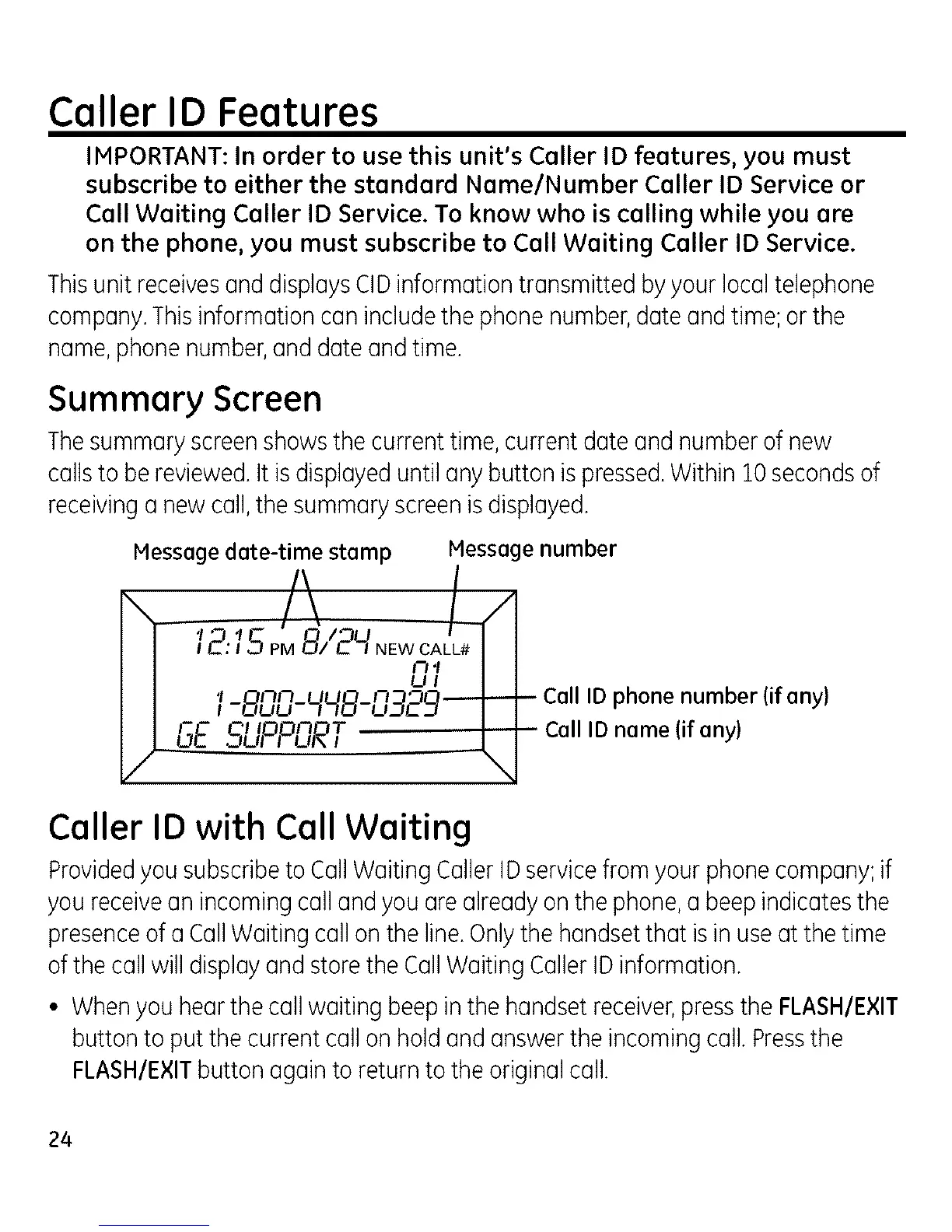
Thesummaryscreenshowsthe currenttime,current date and numberof new
callsto bereviewed.It isdisplayeduntilany button is pressed.Within 10secondsof
receivinga newcall,the summaryscreenisdisplayed.
Message date-time stamp Message number
l-BOu-qqB-u3E_-t-_ CallIDphonenumber(if any)
GE SLIPF',nRT I I CallIDname(if any)
Caller ID with Call Waiting
Providedyousubscribeto CallWaiting CullerIDservicefrom your phonecompany;if
youreceivean incomingcall and you arealready onthe phone,a beep indicatesthe
presenceofa CallWaiting callonthe line.Onlythe handsetthat isin useat the time
ofthe call willdisplayand storethe CallWaiting CullerIDinformation.
• Whenyouhearthe call waiting beep inthe handsetreceiver,pressthe FLASH/EXIT
button to putthe current call on holdand answerthe incomingcull.Pressthe
FLASH/EXITbutton againto returnto the originalcull.
24



 To Next Page