Auto Disconnect
AutoDisconnectstopsthe unitfrom playingthe greetingor recordingwhen youpick
up thephoneand answerthe call. Ifthe greetingor recordingdoescontinueto play
after answering,pressthe PLAY/STOPbutton.
Ifyou wouldliketo screenthe call,allowthe systemtoanswer beforepicking upthe
phone.
Playing Messages
Usethe PLAY/STOPbuttonto playmessages.The unit first playsnewmessages
inthe order received.Ifthereare no messages,theunit announces,"Youhave no
messages."Ifthere are no new messages,theold messagesare playedback.
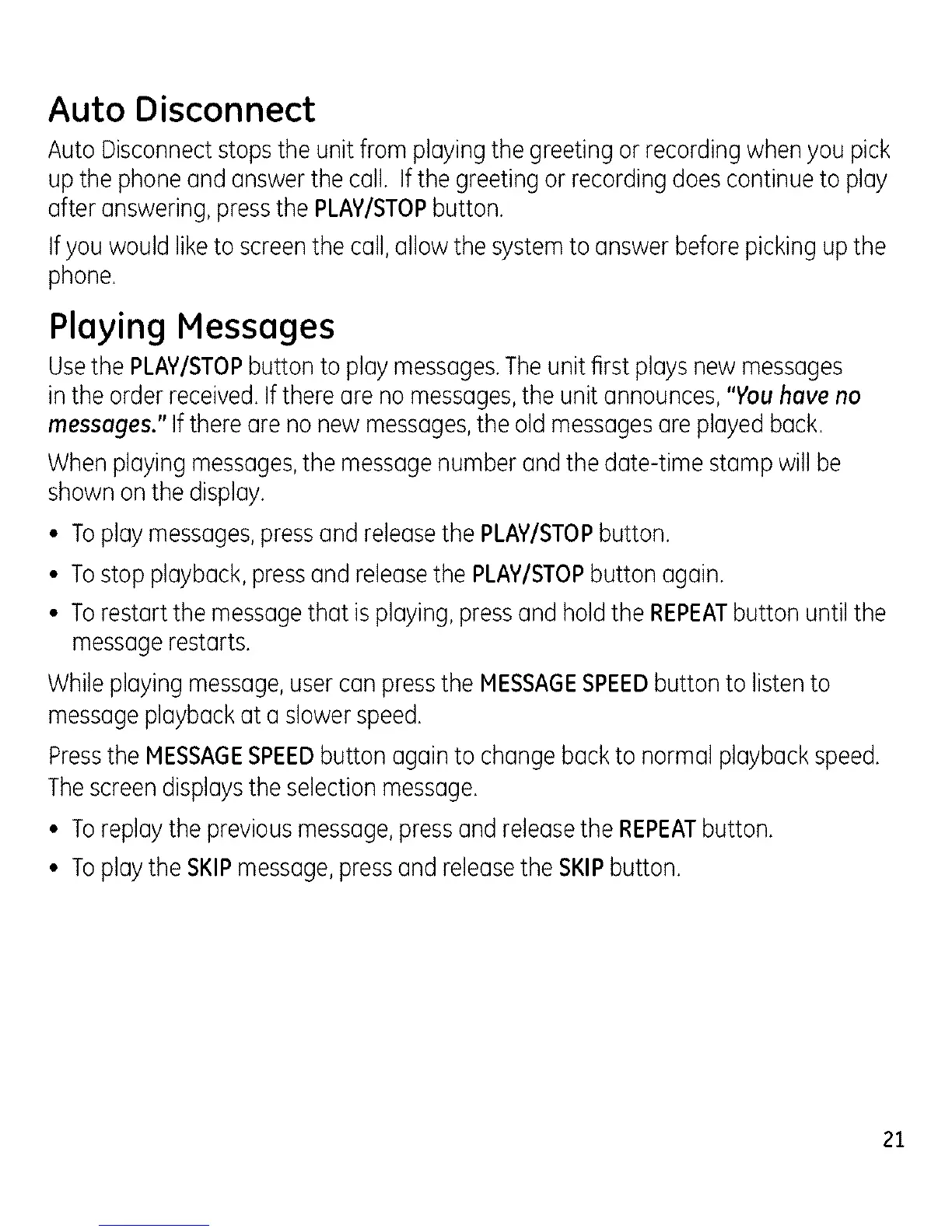
Whenplaying messages,the messagenumberandthe date-time stamp will be
shownon thedisplay.
• Toplaymessages,pressand releasethe PLAWSTOPbutton.
• Tostop playback,pressand releasethe PLAWSTOPbutton again.
• Torestart the messagethat is playing,pressand holdthe REPEATbutton until the
messagerestarts.
Whileplaying message,usercan pressthe HESSAGESPEEDbutton to listento
messageplaybackat a slowerspeed.
Pressthe HESSAGESPEEDbutton againto changebackto normal playbackspeed.
Thescreendisplaysthe selectionmessage.
• Toreplaythe previousmessage,pressand releasethe REPEATbutton.
• Toplaythe SKIPmessage,pressand releasethe SKIPbutton.
21


 To Next Page