Reviewing Stored Numbers
1. Press the DIAL button. The screen displays MEMORYDIAL=?.
2. Use the SKIPor REPEATbutton to scroll through the memory locations.
• To dial the displayed number, press the DIAL button. The speakerphone comes on
and dials the number automatically. (Tocancel, press the SPEAKERPHONEbutton).
• To exit stored number review, press the FLASH/EXITbutton.
• To change the displayed number, press the STOREbutton, he screen displays EDIT
TEL. NO. See "Storing a Number in Memory."
NOTE: Direct access memory A, B and C are displayed as Memory
11, 12 and 13 respectively on the display.
Chain Dialing from Memory
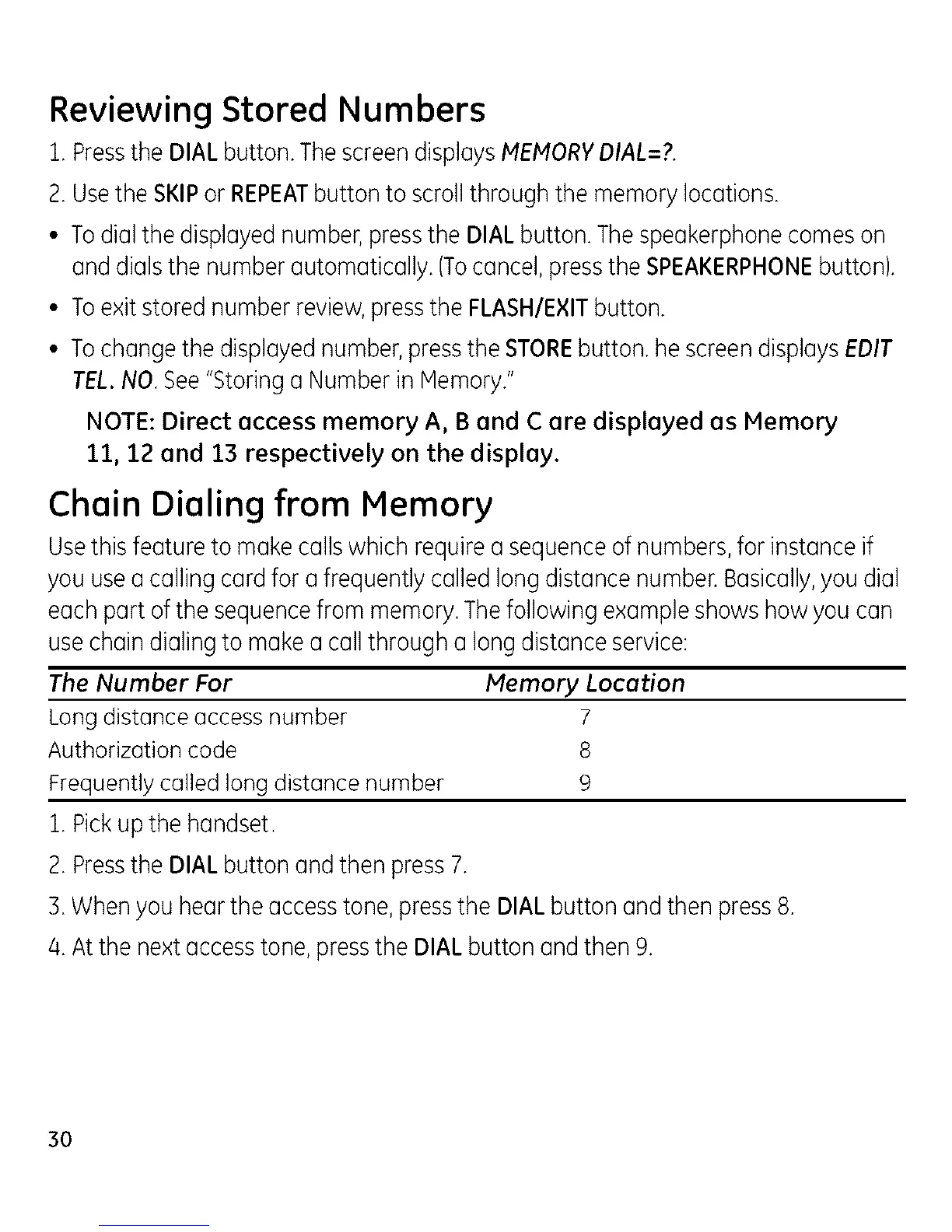
Use this feature to make calls which require a sequence of numbers, for instance if
you use a calling card for a frequently called long distance number. Basically, you dial
each part of the sequence from memory. The following example shows how you can
use chain dialing to make a call through a long distance service:
The Number For Memory Location
Long distance access number 7
Authorization code 8
Frequently called long distance number 9
1. Pick up the handset.
2. Press the DIAL button and then press 7.
B. When you hear the access tone, press the DIAL button and then press 8.
/4.At the next access tone, press the DIAL button and then 9.
3o



 To Next Page