ActionStep
Leave the storage phosphor screen inside the cassette for the required ex-
posure time.
Note:
The exposure time required for a storage phosphor screen is approximately
one twentieth of the time required for X-ray film.
8
Place the storage phosphor
screen on the phosphor stage
NOTICE
Dim the ambient light to 20 lux or less before taking out the storage
phosphor screen from its package or the cassette.
ActionStep
Place the cassette with the exposed storage phosphor screen next to the
phosphor stage.
1
Turn the phosphor stage upside down, so that the white print faces down.2
Open the cassette.3
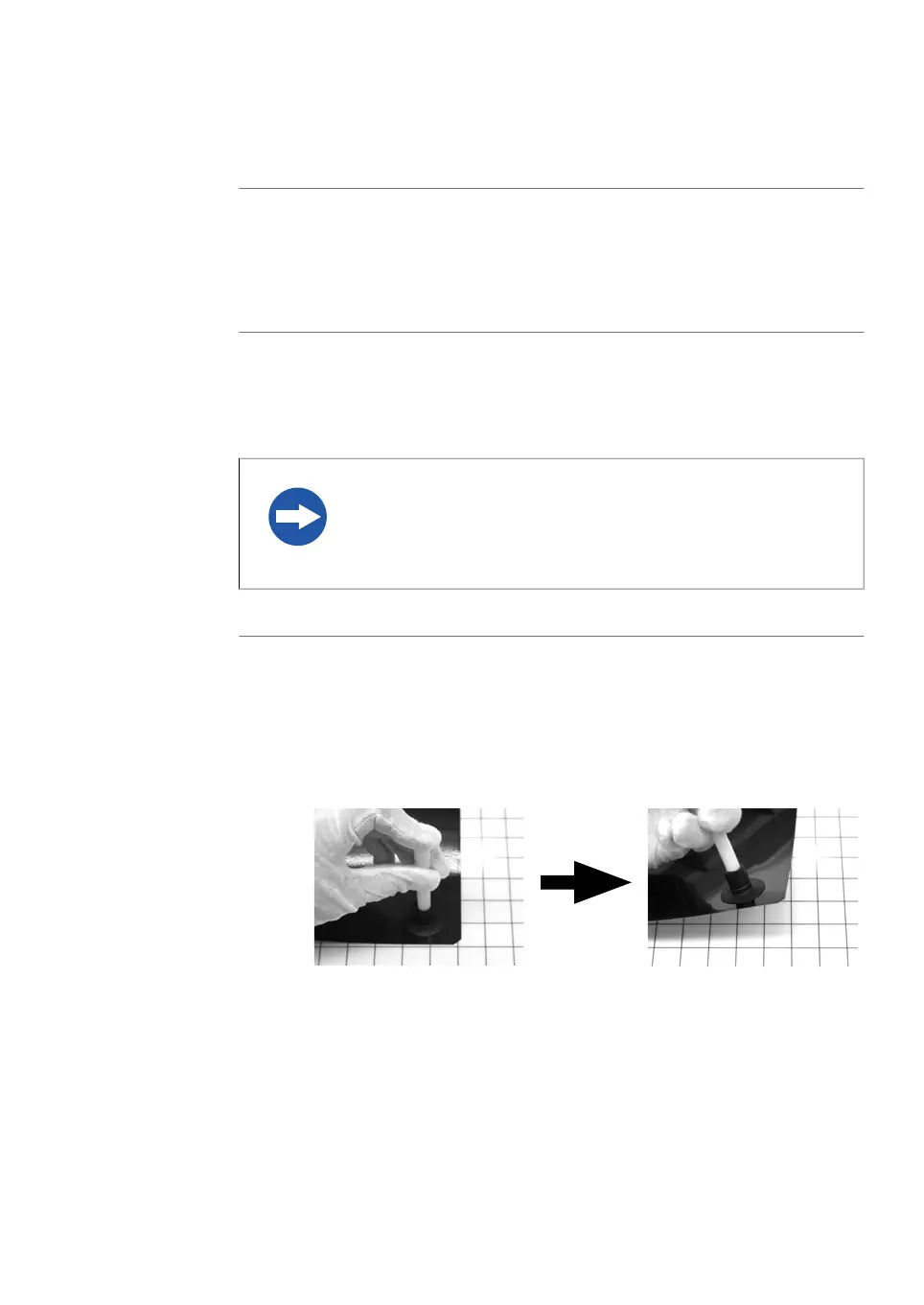
Pick up the storage phosphor screen using the suction rod as follows:4
1
Press one end of the suction rod against the storage phosphor screen.
2
Cover the other end of the suction rod with a finger.
3
Lift up the storage phosphor screen with the suction rod.
Amersham Typhoon Operating Instructions 29193226 AC 113
6 Operation
6.2 Preparing the sample
6.2.2 Preparing a sample for phosphor imaging



 To Next Page