AvailabilityFunctionPart
Pre-scan and scanImage display settings, see Image display settings,
on page 79.
4
Pre-scanClick Back to return to the previous window or click
Scan to start a scan.
5
ScanExport Display, Print, and Save as functions to ex-
port, print and save images.
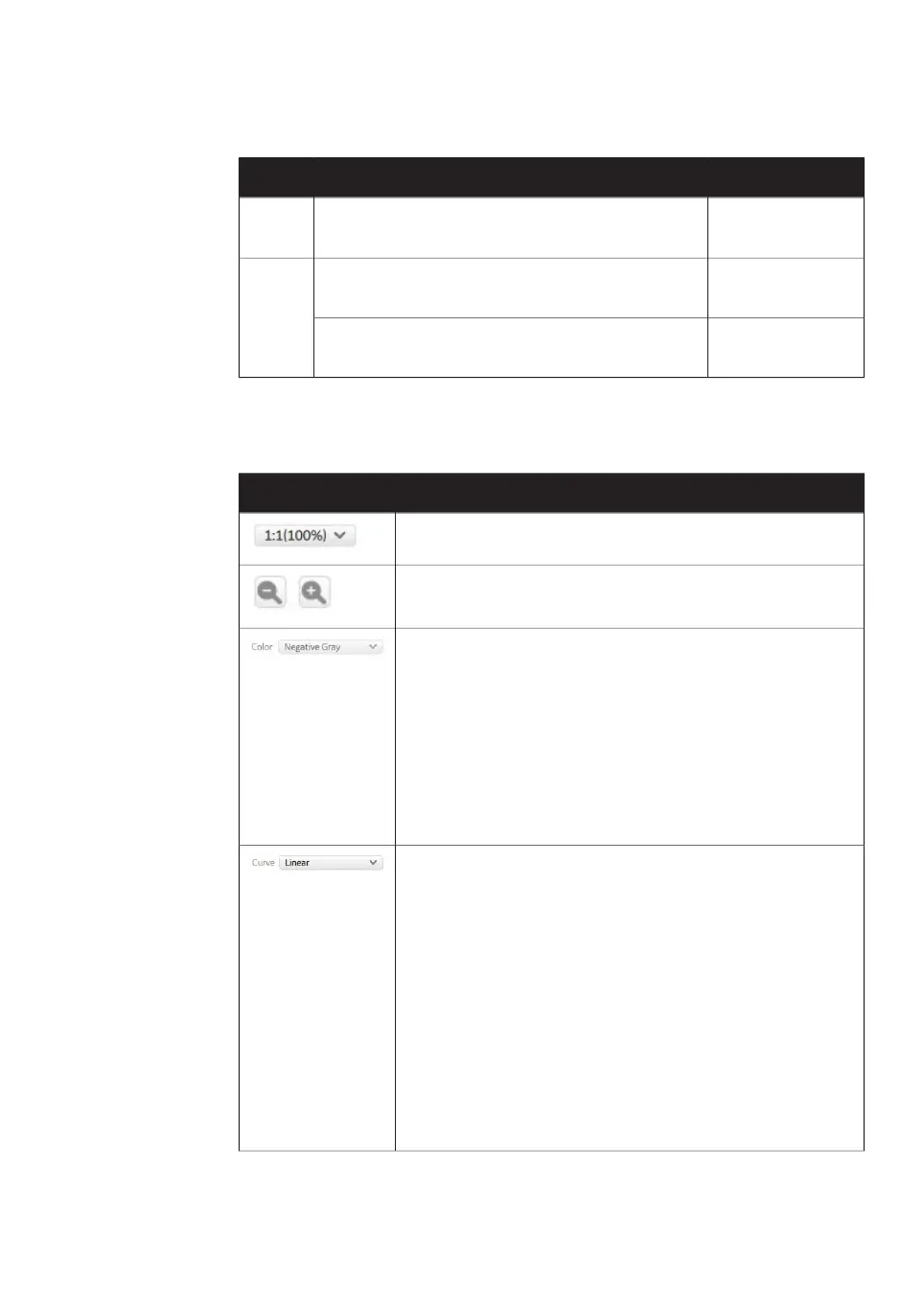
Image display settings
FunctionButton
Selects the magnification (ratio) at which the image is displayed.
Zooms in and out of the displayed image.
Selects the colors that are used to display the image, for exam-
ple:
Black and white display of intensity
levels based on a gray-scale.
Negative Gray
Choose this option after a scan to view
multiple scans in different colors.
Multi Color
Selects the type of tone curve used in the intensity graph.
The light intensities are displayed using
an exponential tone curve.
Exponential
The light intensities are displayed using
a linear tone curve.
Linear
The light intensities are displayed using
a sigmoid (S-shaped) tone curve.
Sigmoid
Tip:
It is recommended to use the linear curve setting
Amersham Typhoon Operating Instructions 29193226 AC 79
4 Amersham Typhoon Control Software
4.6 View Image mode



 To Next Page