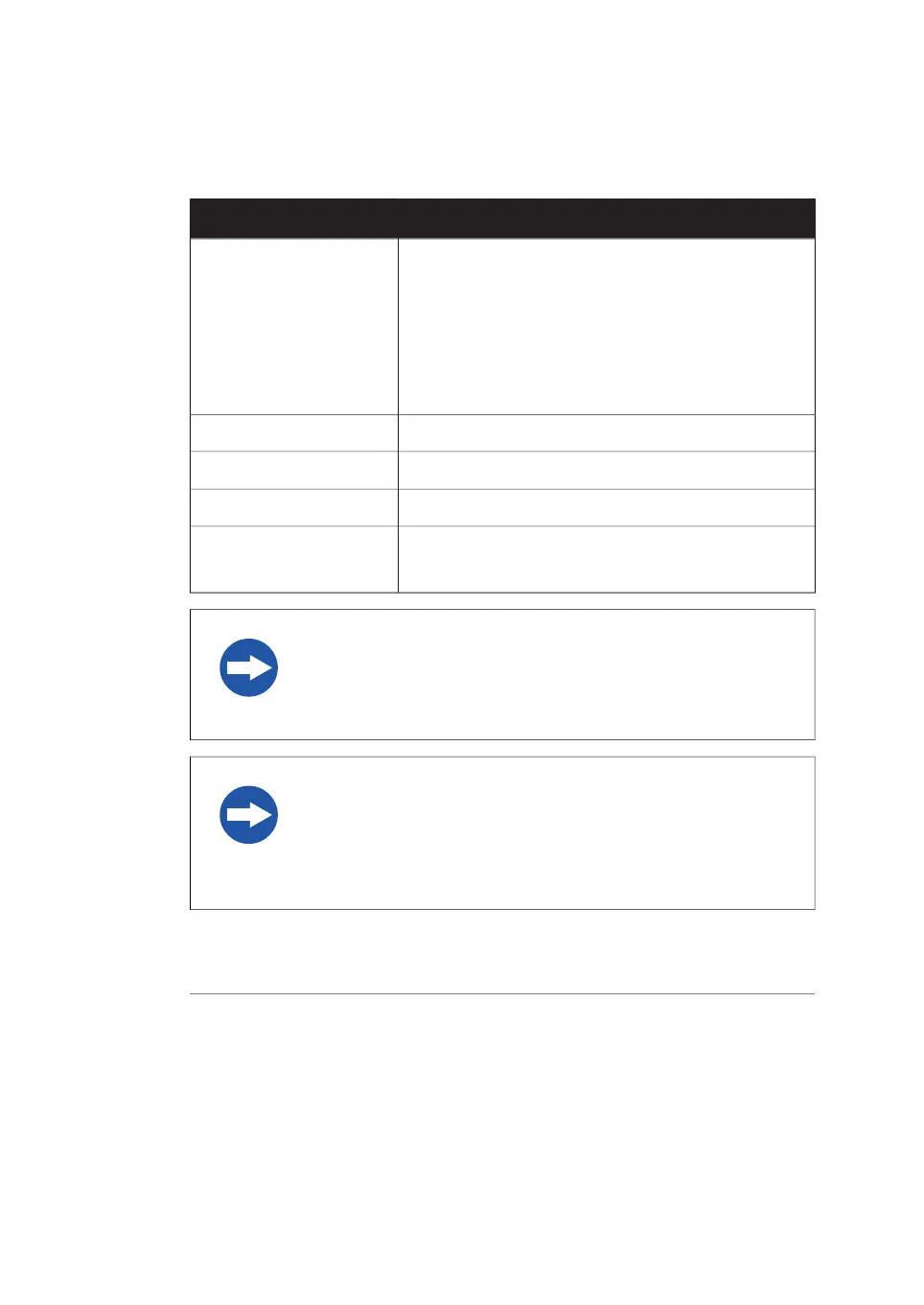
Computer requirements
Minimum requirementParameter
Microsoft
®
Windows
®
7 Professional SP1 (64-bit) En-
glish/Japanese
Operating system
or
Microsoft Windows 8.1 Pro (64-bit) English/Japanese
or
Microsoft Windows 10 Pro (64-bit) English/Japanese
8 GBInternal memory
Intel
®
Core i5 processorProcessor
80 GBFree space on hard drive
One USB 2.0 portOther requirements
DVD-ROM drive
NOTICE
The user is responsible for avoiding unauthorized use of the com-
puter that is connected to the scanner.
NOTICE
The automatic sleep mode of the computer should be turned off
to prevent the computer from entering sleep mode during a scan.
Otherwise loss of data might occur.
At installation, the GE service engineer will turn off the automatic sleep mode
of the computer.
Note:
84 Amersham Typhoon Operating Instructions 29193226 AC
5 Installation
5.1 Site requirements



 To Next Page