GE Grid Solutions
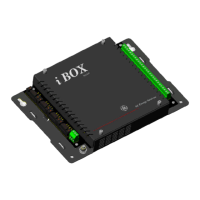
iBox/iBox Kit
Installation and Maintenance Guide
GE Information
994-0047-5.10-4
Configuring iBox Device Properties - LAN
Introduction
Use the following procedure to configure iBox Device Properties if you are
operating the iBox Kit through a LAN connection.
Procedure:
Configuring
Device
Properties -
LAN
Step Action
1
Select the iBox device.
2
Click Edit group > Properties command.
Result: The iBOX Device Wizard appears.
3
Verify LAN based device is selected.
4
In the Description box, type in a name for the iBox.
5
In the Serial Number box, type i the serial number of the iBox.
Continued on next page






 To Next Page