Chapter 3: Configuration and commissioning
Kilsen KFP-CF Series Installation Manual 27
Sounder delay
Use this menu to configure a sounder delay of up to 10 minutes in operating modes
where the feature is available.
To configure a delay:
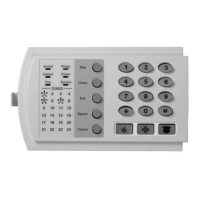
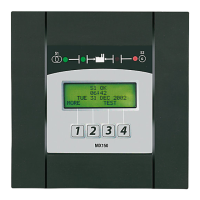
1. Set the display as shown below, and then press Enter.
The Sounder Delay LED flashes quickly to indicate that the sounder delay
configuration menu is active.
2. Select a delay value from 1 to 10 minutes using the value selection buttons (2
and 4).
3. Press Enter.
4. Save your changes.
Once configured the delay must be enabled at access level 2.
To enable a configured delay:
1. Exit access level 3.
2. Enter the access level 2 password.
3. Press the Sounder Delay button.
A steady Sounder Delay LED indicates that the delay is enabled.
Default delays
Default sounder delays for each operating mode are shown below.
Operating mode Default delay in minutes
NBN S21-100 01
EN 54-2
EN 54-2 Evacuation
EN 54-2 Scandinavia
BS 5839-1
00
NEN 2535 This feature is not available in this operating mode.
Delay application logic
Depending on your fire alarm system configuration and the alarm activation device, a
configured delay may be overridden.
Delays will only be applied when:
• The configured delay has been enabled.
• The device reporting the fire alarm is a detector installed in a mixed or automatic
zone, OR a detector or manual call point installed in an automatic zone.


 To Next Page
 Loading...