CHAPTER 3: INTERFACES SOFTWARE INTERFACE
869 MOTOR PROTECTION SYSTEM – INSTRUCTION MANUAL 3–23
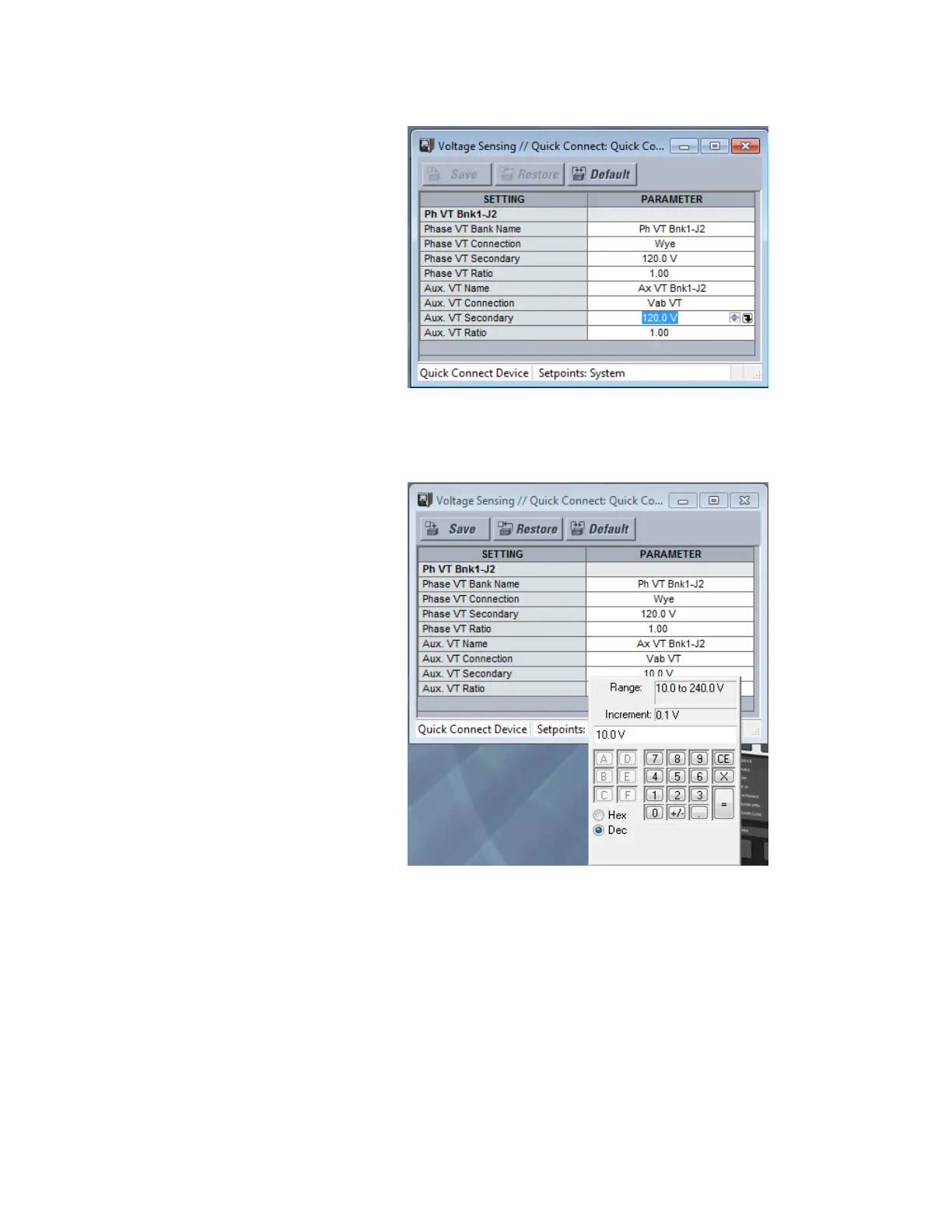
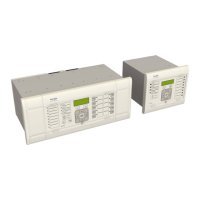
4. Clicking the arrow at the end of the box displays a numerical keypad interface that
allows the user to enter a value within the setpoint range displayed near the top of the
keypad: Click = to exit from the keypad and keep the new value. Click on X to exit from
the keypad and retain the old value.
5. For setpoints requiring non-numerical pre-set values (e.g. Phase VT Connection
below), clicking anywhere within the setpoint value box displays a drop-down
selection menu arrow. Select the desired value from this list.



 To Next Page