Using the Menu to Set Up Features
You can set up features by using the menu system. Each feature
is explained in this section.
Language
Select your preferred language, and the on-screen displays will
appear in that language.
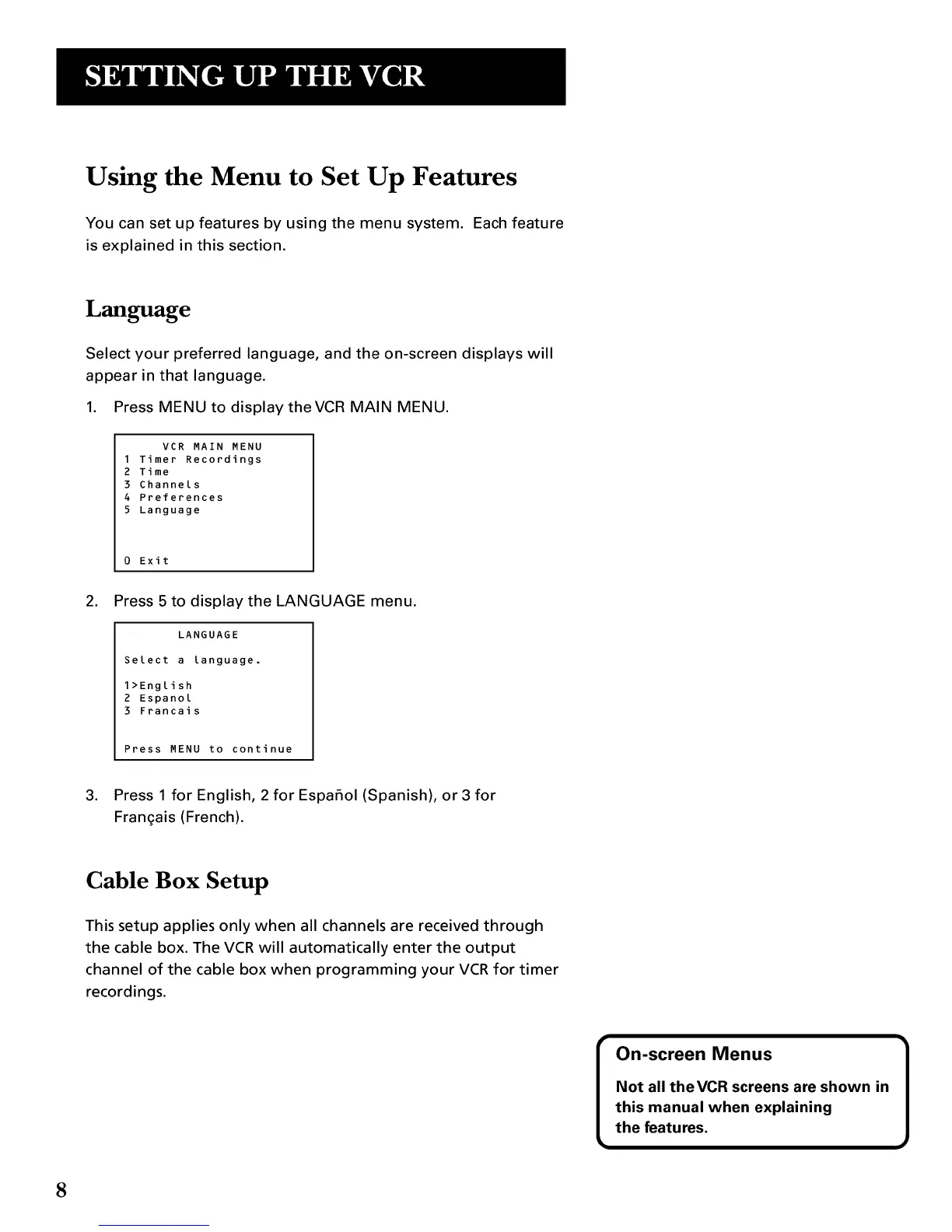
1. Press MENU to display theVCR MAIN MENU.
VCR MAIN MENU
1 Timer Recordings
2 Time
3 Channels
4 Preferences
5 Language
0 Exit
,
Press 5 to display the LANGUAGE menu.
LANGUAGE
Select a language.
1>English
2 Espanol
3 Francais
Press MENU to continue
3. Press 1 for English, 2 for Espafiol (Spanish), or 3 for
Fran£ais (French).
Cable Box Setup
This setup applies only when all channels are received through
the cable box. The VCR will automatically enter the output
channel of the cable box when programming your VCR for timer
recordings.
8



 To Next Page