Zero Search
The zero search feature enables theVCR to quickly return to a
counter reading of 0:00:00 anywhere on the tape. This is
especially convenient when you want to repeat a segment of the
tape several times.
1. Go to the beginning of the program you wish to return to.
2. Press INFO twice to display the timer counter on the TV
screen
3. Press CLEAR to reset the counter to 0:00:00.
4. Continue playing the tape.
5. Press STOE
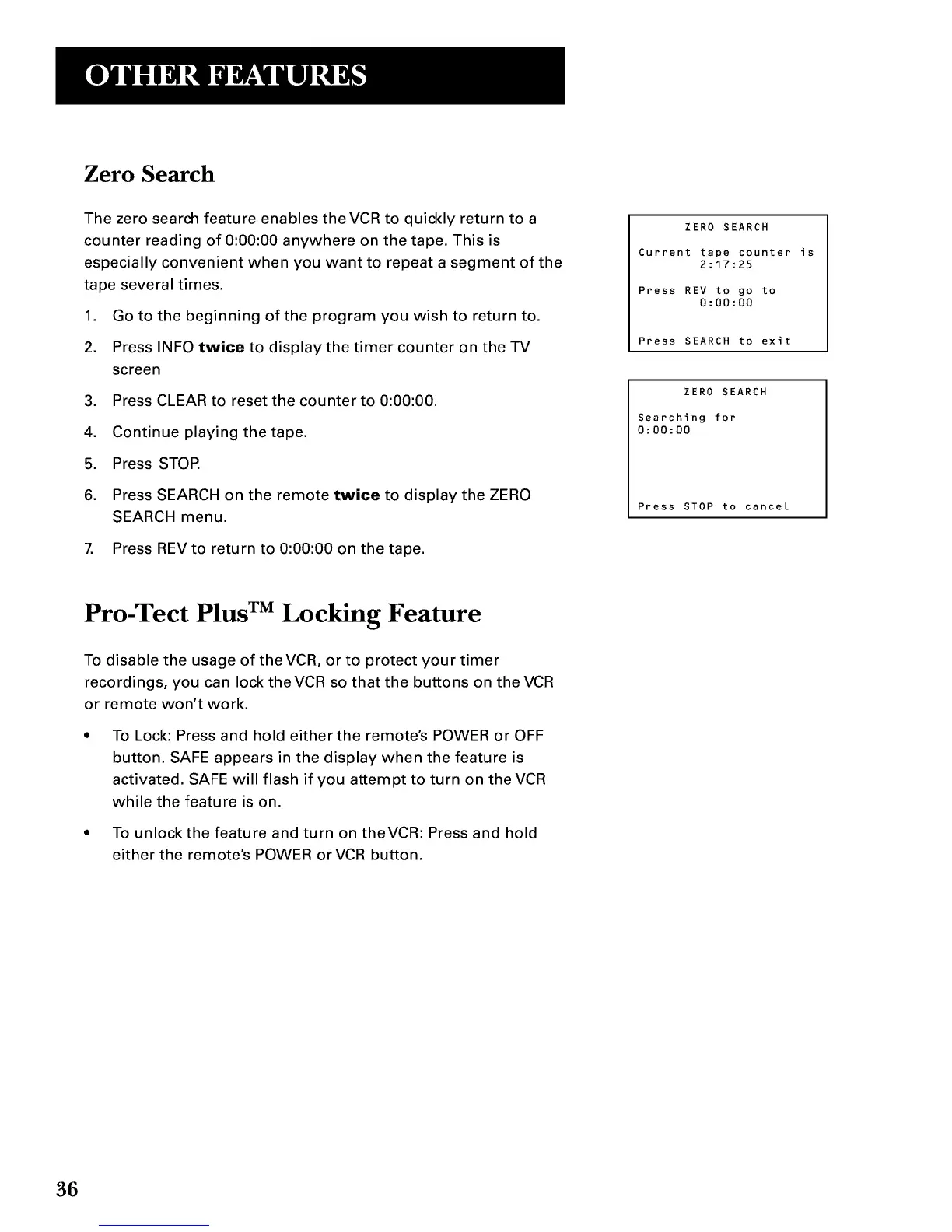
6. Press SEARCH on the remote twice to display the ZERO
SEARCH menu.
7. Press REV to return to 0:00:00 on the tape.
ZERO SEARCH
Current tape counter
2:17:25
Press REV to go to
0:00:00
Press SEARCH to exit
ZERO SEARCH
Searching for
0:00:00
Press STOP to cancel
is
Pro-Tect Plus TM Locking Feature
To disable the usage of theVCR, or to protect your timer
recordings, you can lock theVCR so that the buttons on the VCR
or remote won't work.
To Lock: Press and hold either the remote's POWER or OFF
button. SAFE appears in the display when the feature is
activated. SAFE will flash if you attempt to turn on the VCR
while the feature is on.
• To unlock the feature and turn on theVCR: Press and hold
either the remote's POWER orVCR button.
36



 To Next Page