Set the Time and Date
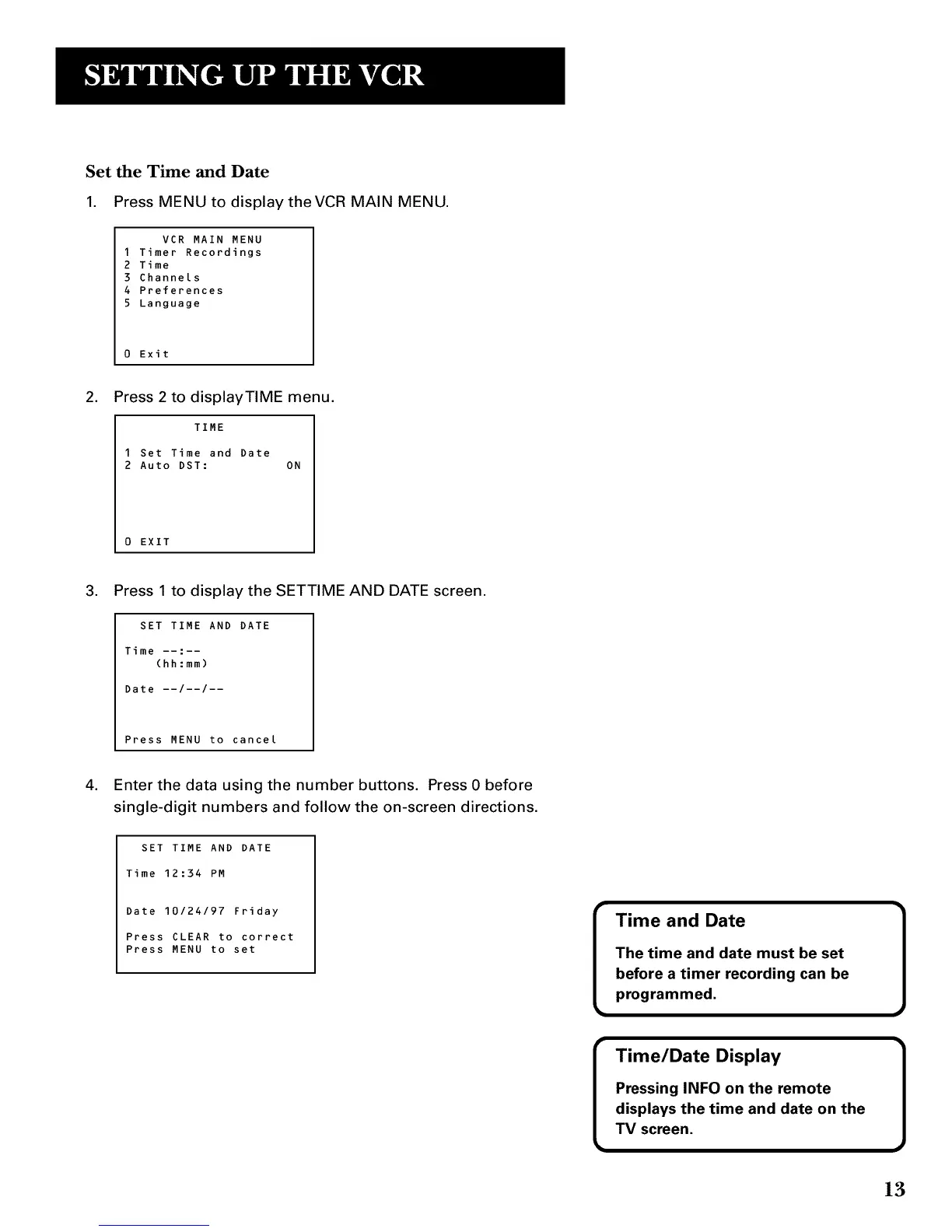
1. Press MENU to display theVCR MAIN MENU.
VCR MAIN MENU
1 Timer Recordings
2 Time
3 Channels
4 Preferences
5 Language
0 Exit
.
Press 2 to displayTIME menu.
TIME
1 Set Time and Date
2 Auto DST: ON
0 EXIT
.
Press 1 to display the SETTIME AND DATE screen.
SET TIME AND DATE
Time --:--
(hh:mm)
Date --/--/--
Press MENU to cancel
4. Enter the data using the number buttons. Press 0 before
single-digit numbers and follow the on-screen directions.
SET TIME AND DATE
Time 12:34 PM
Date 10/24/97 Friday
Press CLEAR to correct
Press MENU to set
I
I
Time and Date
The time and date must be set
before a timer recording can be
programmed.
Time/Date Display
Pressing INFO on the remote
displays the time and date on the
TV screen.
1
1
13



 To Next Page