STEP 5: Tune the TV
Tune theTV to the VCR viewing channel. The VCR viewing
channel is channel 3 or 4 or theTV's video input.
• If you connect your VCR using the ANTENNA connectors
with RF antenna cable, set the 3CH.4 switch to channel 3 or
channel 4--the channel you want to use on yourTV.
• If you connect your VCR using the AUDIO/VIDEO jacks with
audio/video cables, select theTV's video input to see the
signal. See the TV Owner's Manual.
STEP 6: Turn On the VCR
Press POWER on the VCR's front panel orVCR on the remote to
turn on the VCR.Turning on the VCR for the first time starts the
Interactive Setup feature.
STEP 7: Interactive Setup
The first time theVCR is turned on, Interactive Setup--a brief
series of on-screen menus--appears.These menus assist in
setting up several of the VCR's features. Use the remote's
number buttons to select options.
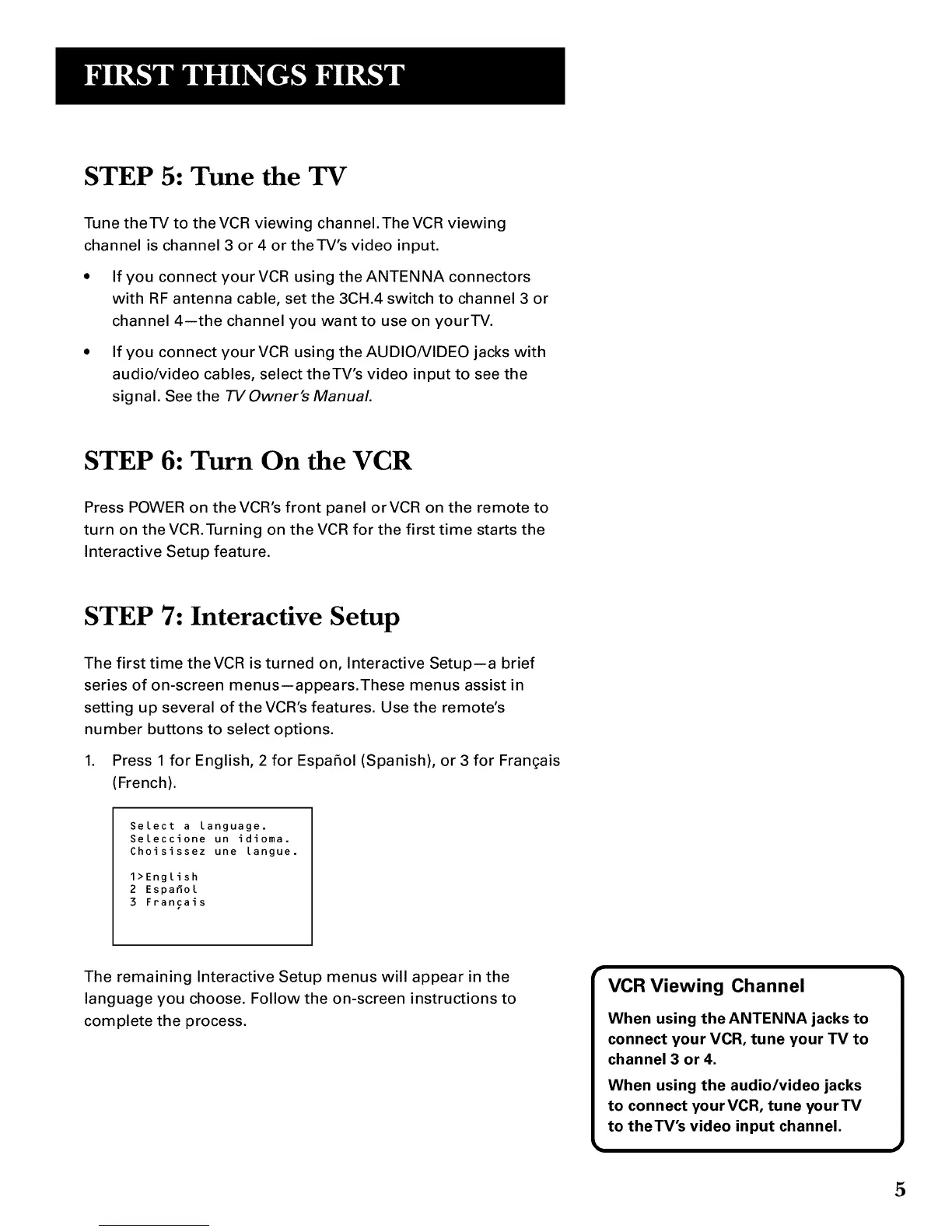
1. Press 1 for English, 2 for Espafiol (Spanish), or 3 for Fran(;ais
(French).
Select a language.
Seleccione un idioma.
Choisissez une [angue.
1>English
2 Espafio[
3 Francais
The remaining Interactive Setup menus will appear in the
language you choose. Follow the on-screen instructions to
complete the process.
VCR Viewing Channel
When using the ANTENNA jacks to
connect your VCR, tune your TV to
channel 3 or 4.
When using the audio/video jacks
to connect yourVCR, tune yourTV
to theTV's video input channel.
5



 To Next Page