GE
D
IRECTION GB091046, REVISION 2 VIVID E9 / VIVID E7 BT’13 SERVICE MANUAL
8 - 76 Section 8-6 - Top Console Parts Replacement Overview
8-6-4-2 Remove the LCD Cables
Follow these steps to remove the LCD Cables:
NOTE: When handling the arm, use the arm lock unless the arm is being turned. Locking will help
stabilize the arm.
NOTE: LCD cable color may be different than pictured.
1.) Remove the two M4 x 8 screws holding the Bumper Cover to the Arm.
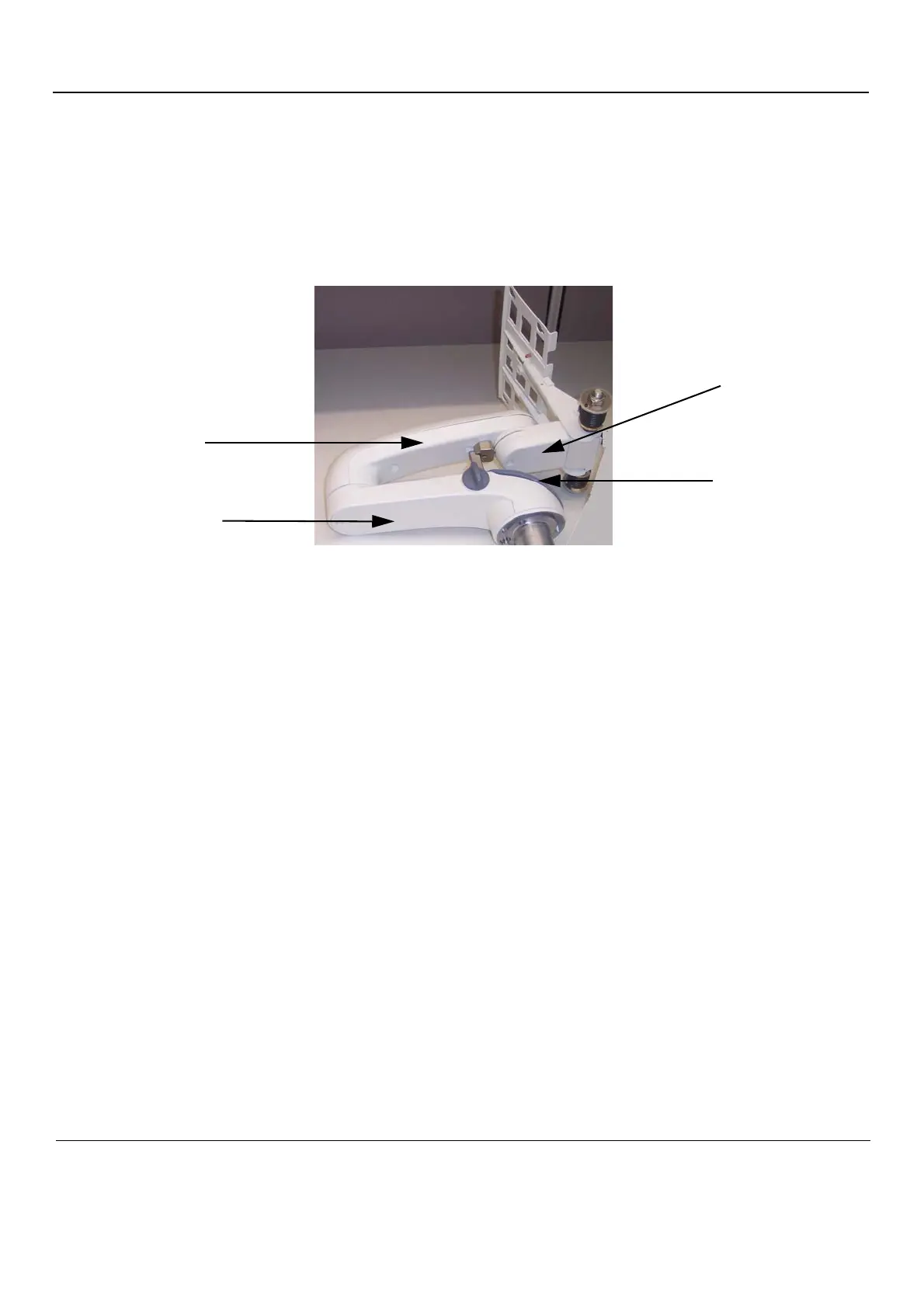
Figure 8-57 Three Arm Sections
Figure 8-58 Screws for Bumper cover
First Arm
Section
Second Arm
Section
Third Arm
Section
Bumper Cover



 To Next Page