GE
D
IRECTION GB091046, REVISION 2 VIVID E9 / VIVID E7 BT’13 SERVICE MANUAL
Chapter 8 - Replacement procedures 8 - 77
8-6-4-2 Remove the LCD Cables (cont’d)
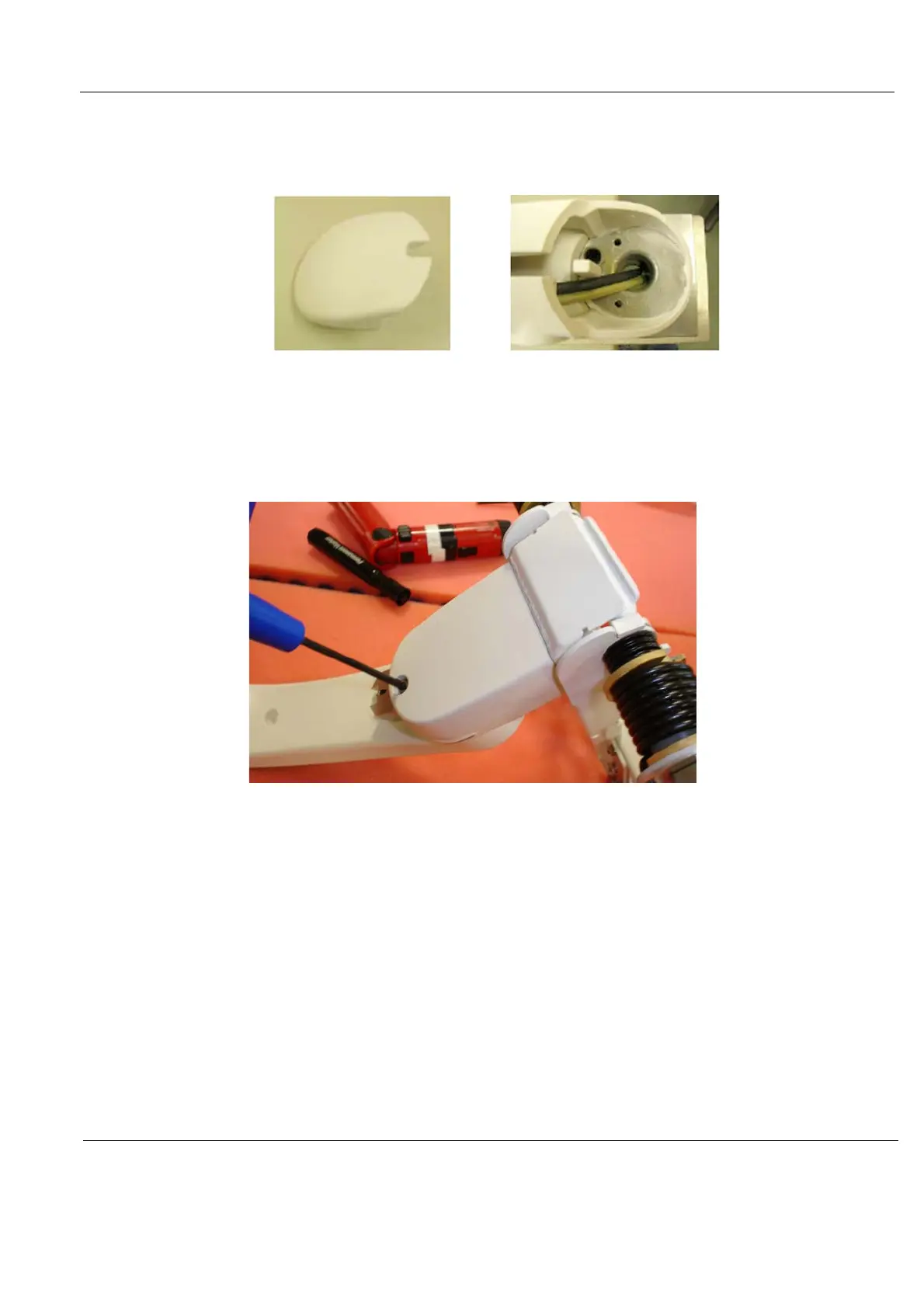
2.) Remove the bumper cover from the end of the first arm, as shown in Figure 8-59.
3.) Remove the covers from all three arm sections of the arm assembly.
a.) Remove the M4 x 8 screw holding the first arm section cover.
b.) Remove the M4 x 8 screw holding the third arm section cover.
Figure 8-59 Bumper Cover, Removed
Figure 8-60 Third Arm Section Cover Removal



 To Next Page