GE
D
IRECTION GB091046, REVISION 2 VIVID E9 / VIVID E7 BT’13 SERVICE MANUAL
8 - 78 Section 8-6 - Top Console Parts Replacement Overview
8-6-4-2 Remove the LCD Cables (cont’d)
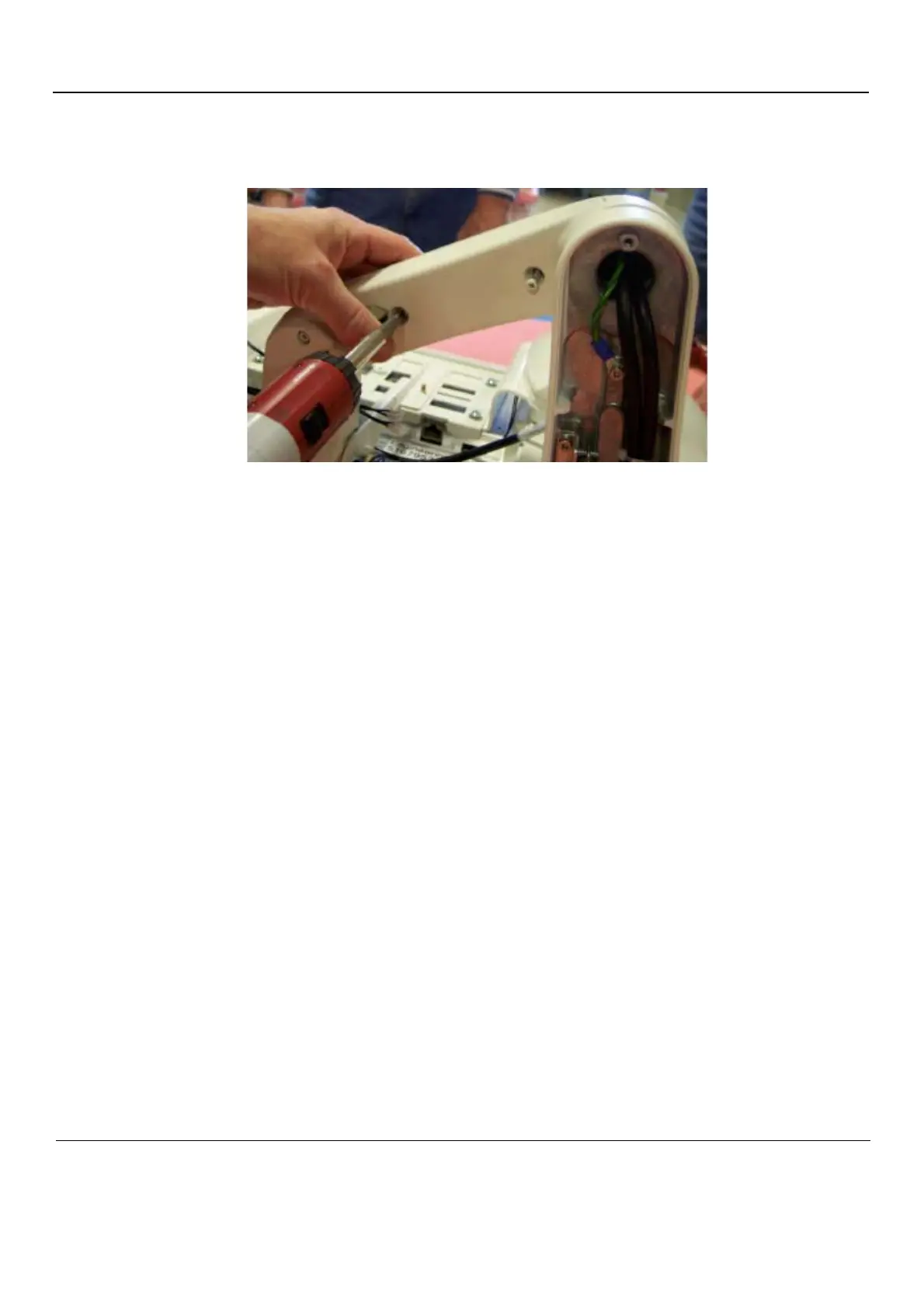
c.) Remove the M4 x 16 screws holding the second arm section cover with Phillips screwdriver.
4.) Cut tie wraps securing cables in arm.
5.) Remove the cable(s) to be replaced.
6.) Mark cables: After removing the cable(s) to be replaced according to this section, stretch out both
the existing and replacement cable side-by-side, and transfer any markings from existing cable to
replacement cable.
Figure 8-61 Second Arm Section Cover Removal



 To Next Page