2222
Macro Mode
The Macro setting is ideal for shooting small objects or close-
up photos. This mode allows you to focus on subjects very
close to the camera.
1. Press Right button to enter the Macro menu.
2. Press the Left/Right button to select the following two
modes:
•
Macro: On
Select this to focus on subjects 5cm from the lens.
•
0DFUR2Ȗ
Select this option to disable Macro.
3. Press the
EXWWRQWRFRQ½UPWKHVHWWLQJVDQGH[LWWKH
menu.
EV (Exposure Value)
The EV control allows for an override of the camera's auto
exposure settings in order to provide more control in tricky
lighting conditions. This will allow you to lighten or darken the
exposure to your preference.
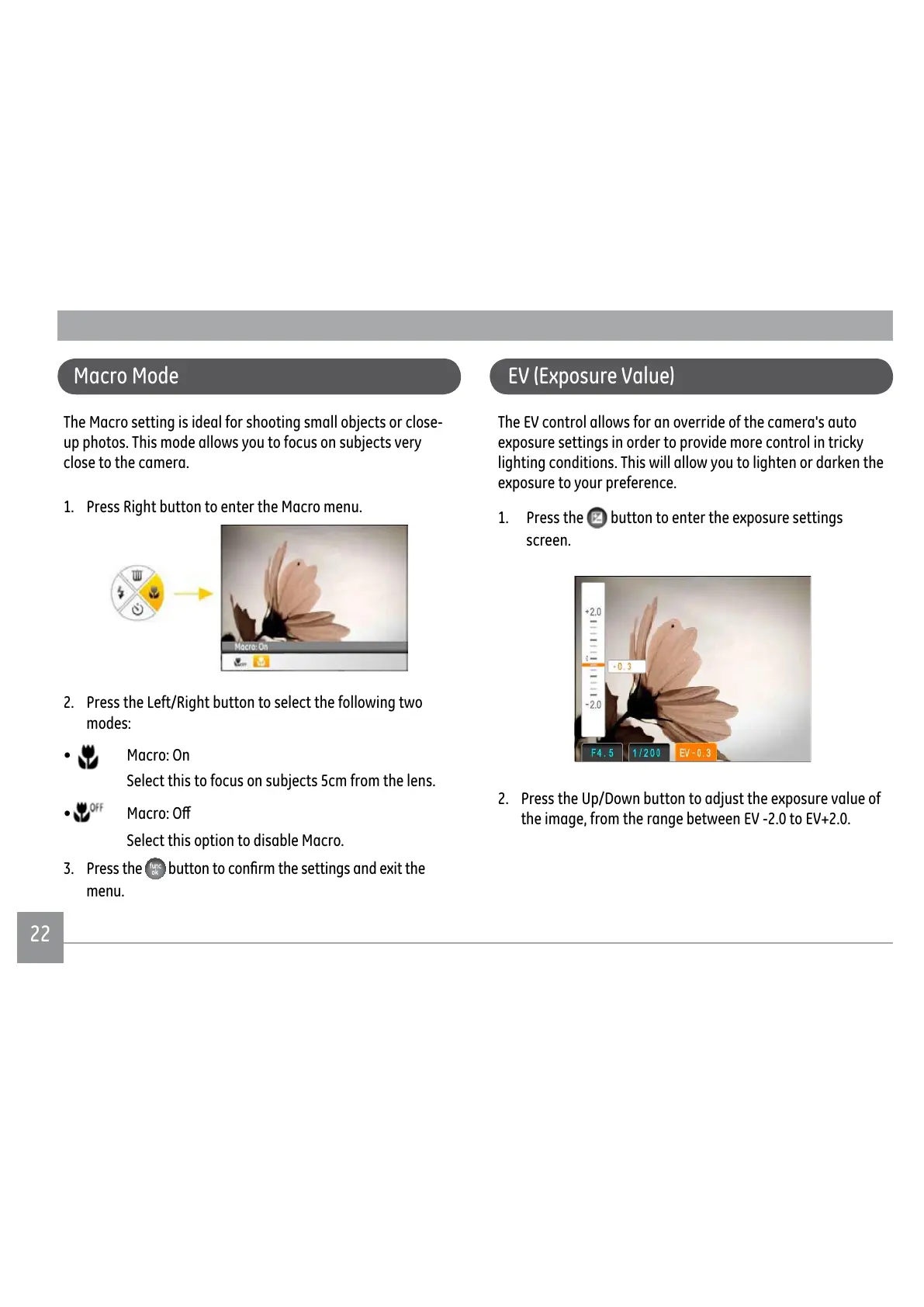
1. Press the
button to enter the exposure settings
screen.
2. Press the Up/Down button to adjust the exposure value of
the image, from the range between EV -2.0 to EV+2.0.



 To Next Page
 Loading...










