4343
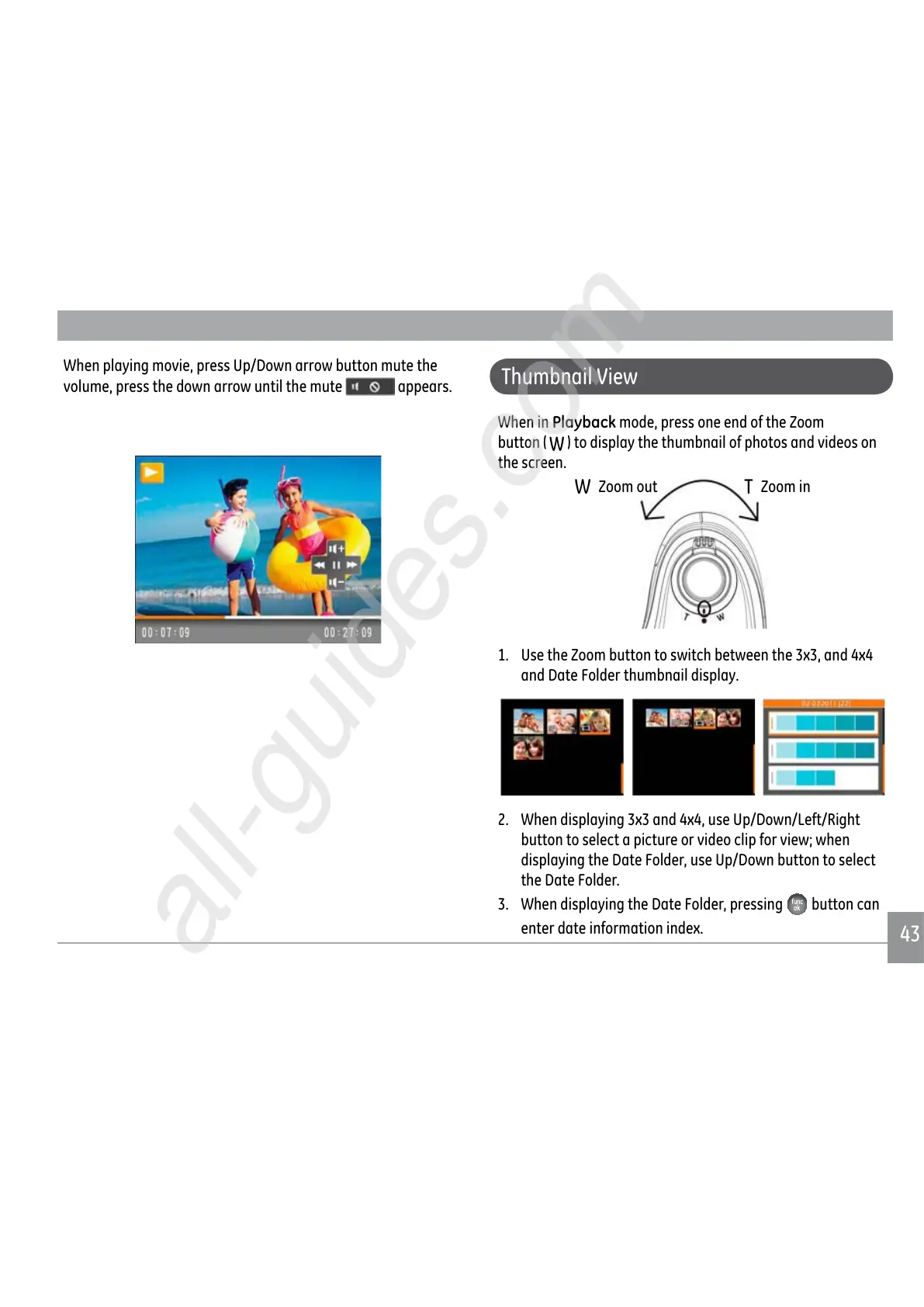
When playing movie, press Up/Down arrow button mute the
volume, press the down arrow until the mute appears.
Thumbnail View
When in Playback mode, press one end of the Zoom
button (
) to display the thumbnail of photos and videos on
the screen.
W
Zoom out
T
Zoom in
1. Use the Zoom button to switch between the 3x3, and 4x4
and Date Folder thumbnail display.
2. When displaying 3x3 and 4x4, use Up/Down/Left/Right
button to select a picture or video clip for view; when
displaying the Date Folder, use Up/Down button to select
the Date Folder.
3. When displaying the Date Folder, pressing
button can
enter date information index.



 To Next Page
 Loading...










