4141
Aperture Priority
A
When selecting A (Aperture Priority) mode, you can adjust
WKHDSHUWXUHVL]HDQG(9YDOXH6HOHFWLQJDODUJHDSHUWXUH
RSHQLQJZLOOHPSKDVL]HWKHSRLQWRIIRFXVDQGVKRZDEOXUU\
background and foreground. A small aperture opening will
keep both the background and main object in clear focus.
1. Set the mode dial to A and press the
button to enter the
Aperture Priority setting's menu.
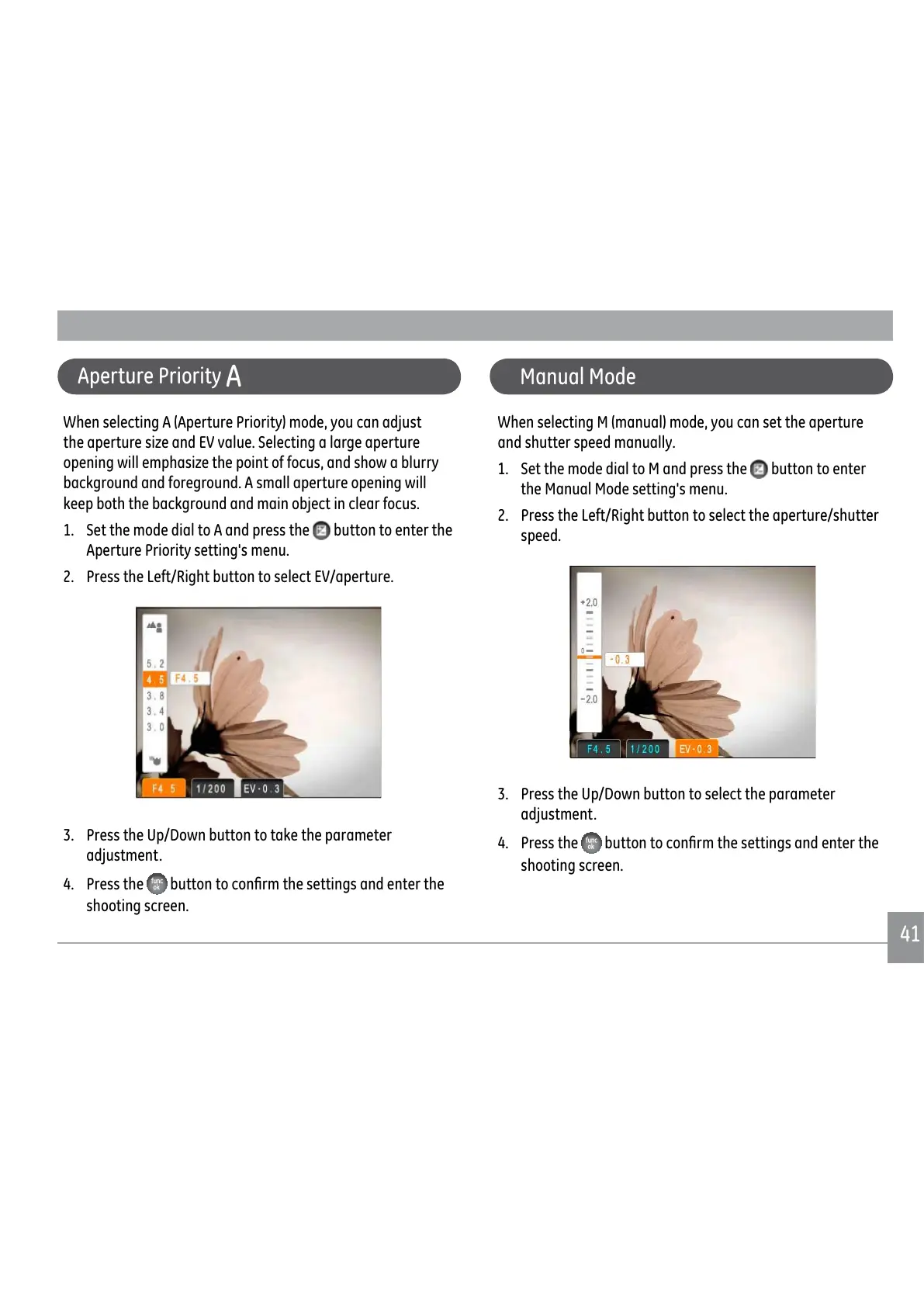
2. Press the Left/Right button to select EV/aperture.
3. Press the Up/Down button to take the parameter
adjustment.
4. Press the
EXWWRQWRFRQ½UPWKHVHWWLQJVDQGHQWHUWKH
shooting screen.
Manual Mode
When selecting M (manual) mode, you can set the aperture
and shutter speed manually.
1. Set the mode dial to M and press the
button to enter
the Manual Mode setting's menu.
2. Press the Left/Right button to select the aperture/shutter
speed.
3. Press the Up/Down button to select the parameter
adjustment.
4. Press the
EXWWRQWRFRQ½UPWKHVHWWLQJVDQGHQWHUWKH
shooting screen.



 To Next Page
 Loading...










