4040
Shutter Priority
S
When selecting S (Shutter Priority) mode, you can adjust the
shutter speed and EV value. Selecting a high shutter speed will
capture fast moving objects clearly. Selecting a slow shutter
speed will result in motion blur of moving objects.
1. Set the mode dial to S and press the
button to enter the
Shutter Priority settings menu.
2. Press the Left/Right button to select EV/shutter speed.
3. Press the Up/Down button to set the parameter
adjustment.
4. Press the
EXWWRQWRFRQ½UPWKHVHWWLQJVDQGHQWHUWKH
shooting screen.
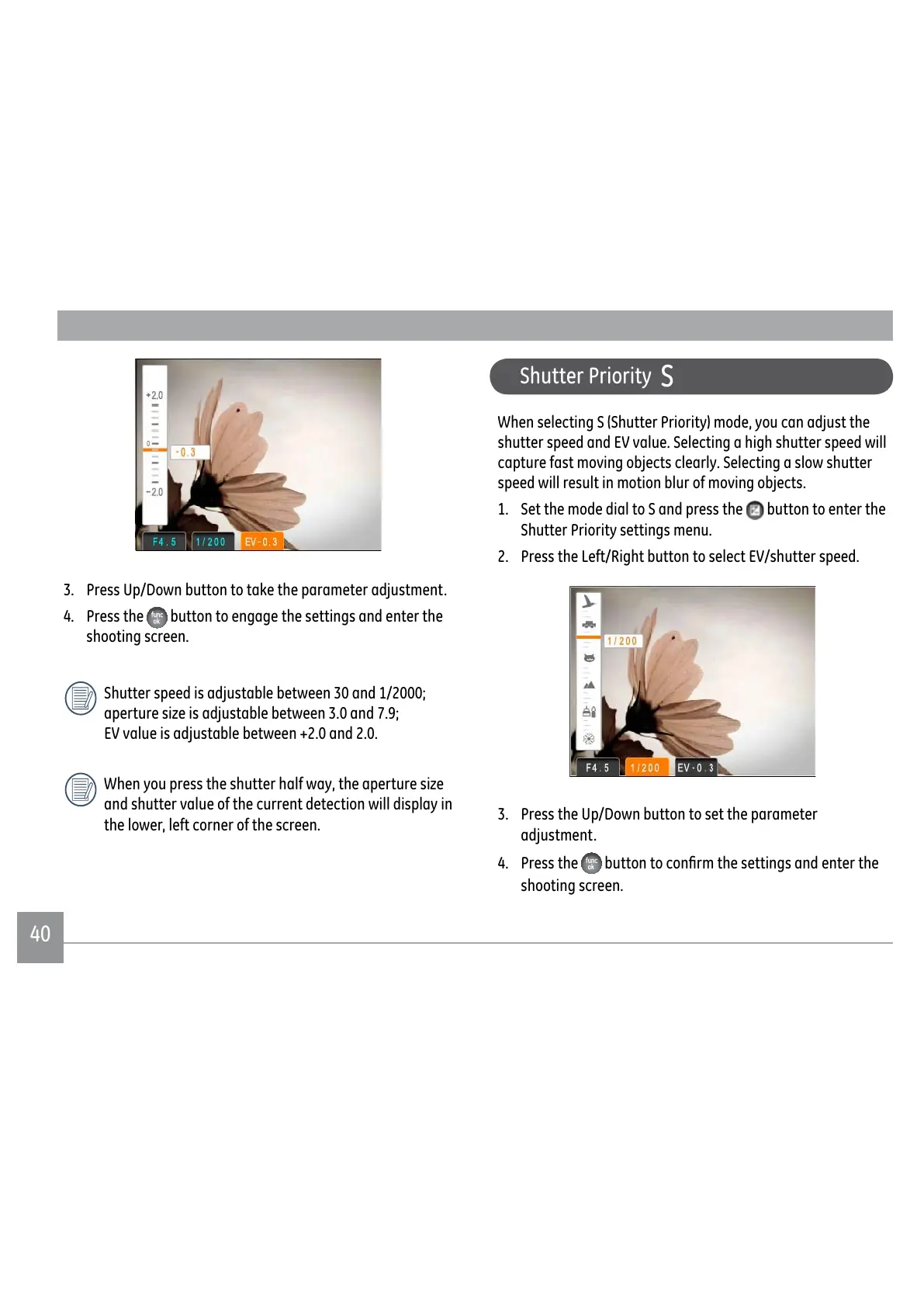
3. Press Up/Down button to take the parameter adjustment.
4. Press the
button to engage the settings and enter the
shooting screen.
Shutter speed is adjustable between 30 and 1/2000;
DSHUWXUHVL]HLVDGMXVWDEOHEHWZHHQDQG
EV value is adjustable between +2.0 and 2.0.
:KHQ\RXSUHVVWKHVKXWWHUKDOIZD\WKHDSHUWXUHVL]H
and shutter value of the current detection will display in
the lower, left corner of the screen.



 To Next Page
 Loading...










