2323
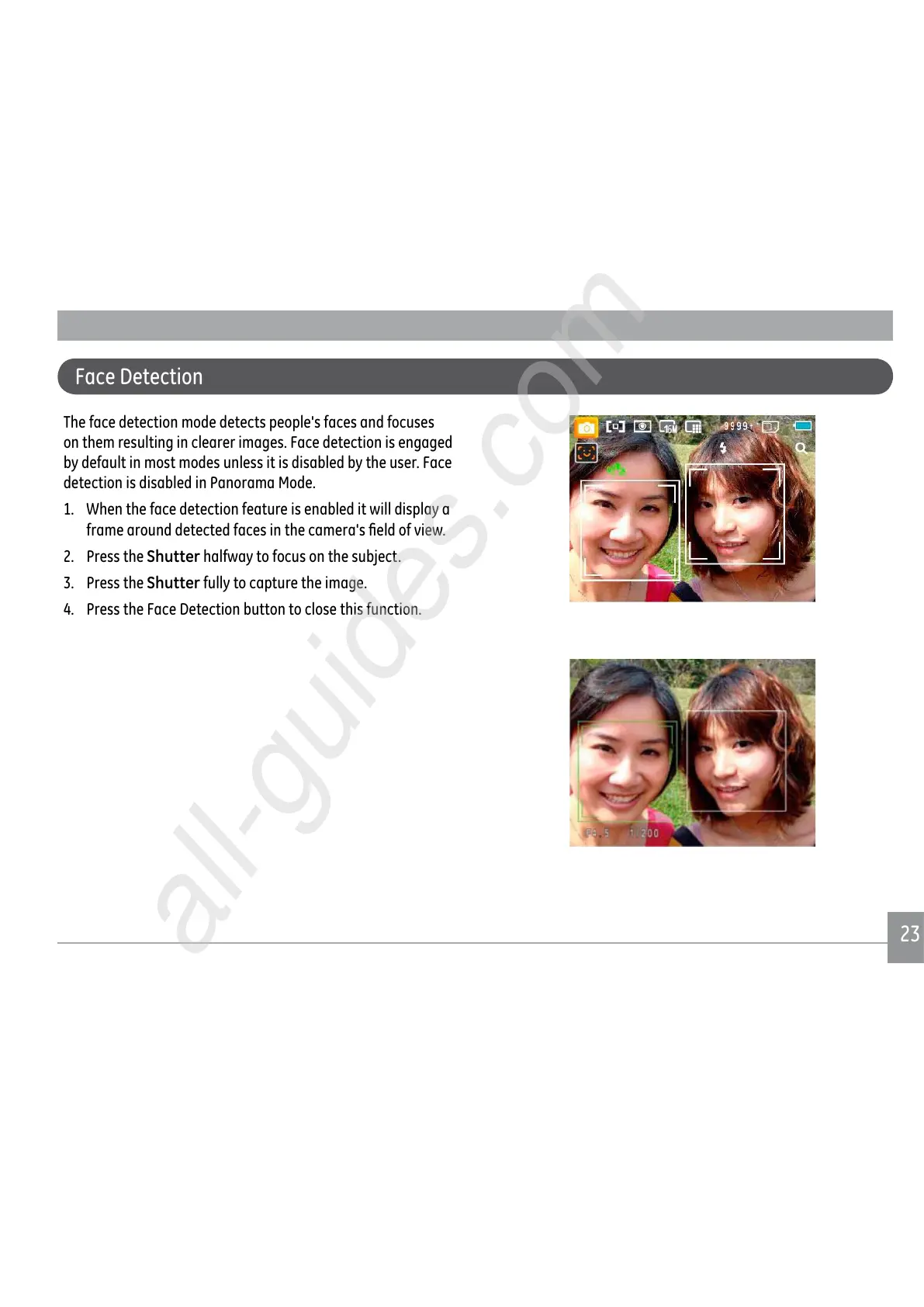
The face detection mode detects people's faces and focuses
on them resulting in clearer images. Face detection is engaged
by default in most modes unless it is disabled by the user. Face
detection is disabled in Panorama Mode.
1. When the face detection feature is enabled it will display a
IUDPHDURXQGGHWHFWHGIDFHVLQWKHFDPHUDV½HOGRIYLHZ
2. Press the
Shutter halfway to focus on the subject.
3. Press the
Shutter fully to capture the image.
4. Press the Face Detection button to close this function.
Face Detection



 To Next Page
 Loading...










