6767
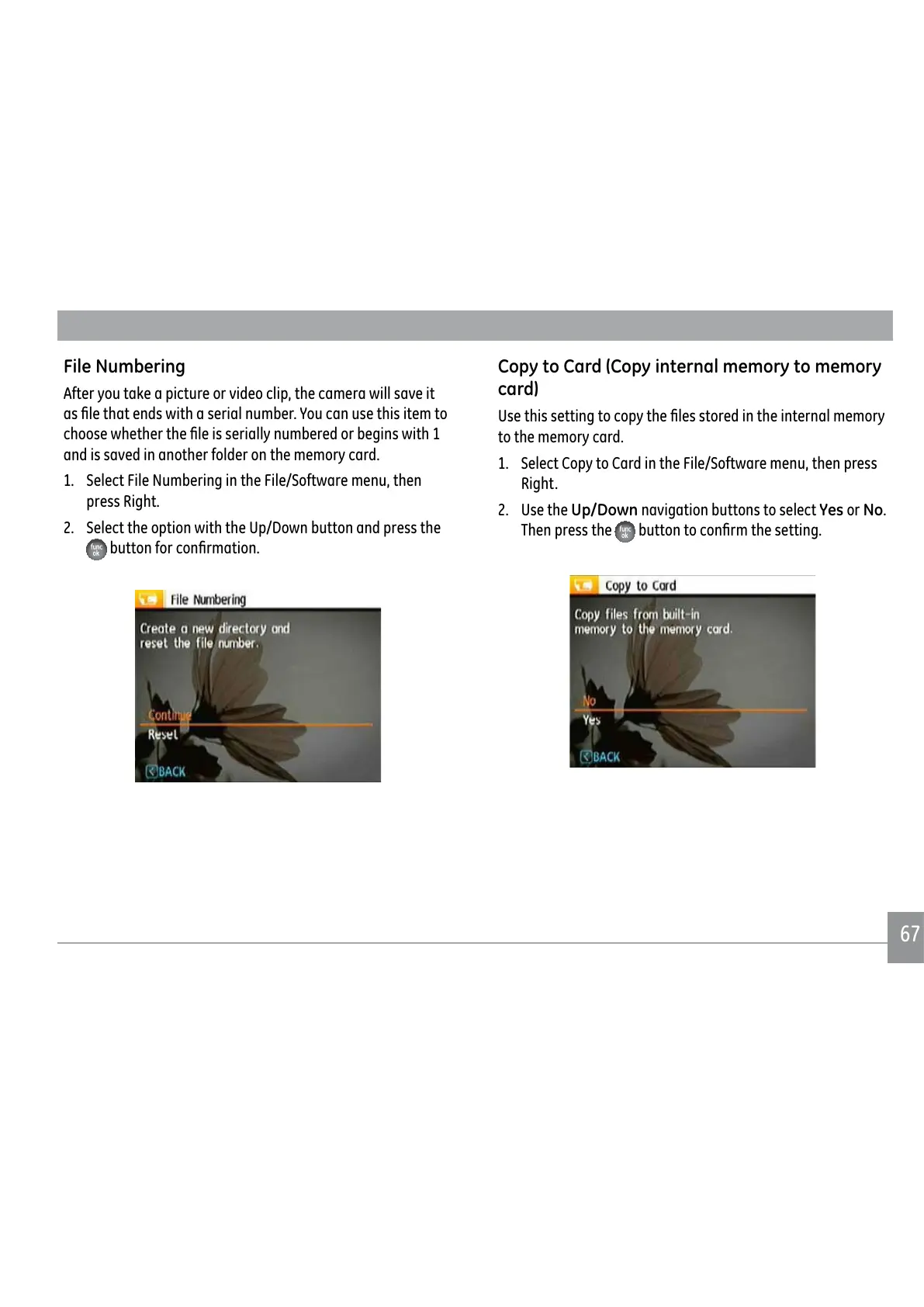
File Numbering
After you take a picture or video clip, the camera will save it
DV½OHWKDWHQGVZLWKDVHULDOQXPEHU<RXFDQXVHWKLVLWHPWR
FKRRVHZKHWKHUWKH½OHLVVHULDOO\QXPEHUHGRUEHJLQVZLWK
and is saved in another folder on the memory card.
1. Select File Numbering in the File/Software menu, then
press Right.
2. Select the option with the Up/Down button and press the
EXWWRQIRUFRQ½UPDWLRQ
Copy to Card (Copy internal memory to memory
card)
8VHWKLVVHWWLQJWRFRS\WKH½OHVVWRUHGLQWKHLQWHUQDOPHPRU\
to the memory card.
1. Select Copy to Card in the File/Software menu, then press
Right.
2. Use the Up/Down navigation buttons to select Yes or No.
Then press the
EXWWRQWRFRQ½UPWKHVHWWLQJ



 To Next Page
 Loading...










