9
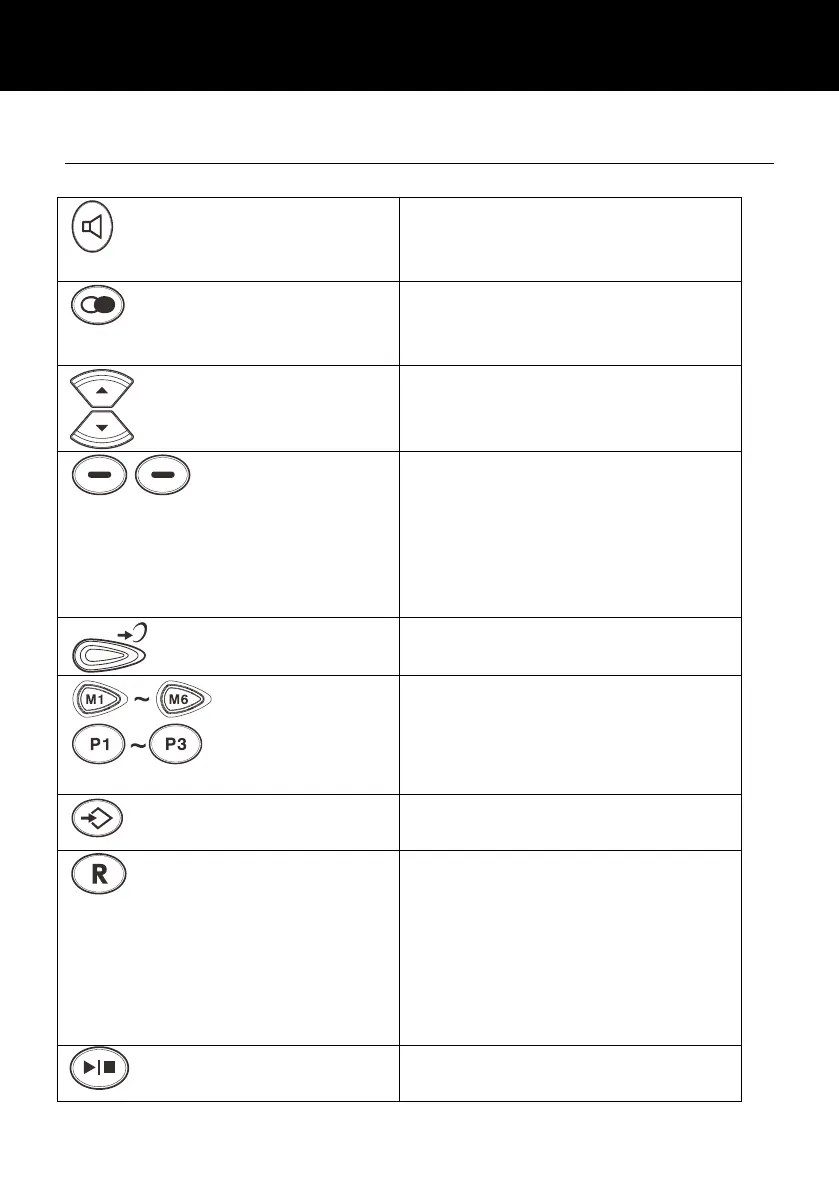
Key Description
Activates the speakerphone if
pressed during a call
Insert a pause when pre-
dialing a number
Scroll through the menu
options.
Enter the Caller ID list
Soft keys. They perform the
functions indicated by the text
immediately over it (on the
bottom line of the display)
which changes depending on
context
Press this button to turn the
extra amplification ON or OFF
The nine keys are used as
one-touch speed dial keys
This key is used to store
numbers
This button is used to
disconnect a call and re-
establish dial tone or to switch
over to another caller
provided you have requested
these services i.e. call waiting
from your service provider
Press to start or stop the
Message or Memo playing.



 To Next Page