30
AMPLIFY ON/OFF Switch at OFF Position ( )
The additional amplification and tone controls are turned off each
time you use the telephone. The Amplify LED will be off
whenever you use the telephone.
Pressing the Amplify key ( ) once during a call will enable tone
control and additional amplification. The LED light will turn on to
reflect this change. If you press the Amplify key ( ) once
more, the additional amplification and tone control features will be
turned off once again. The LED light will turn off to reflect this
change.
Irrespective of how many times you press the Amplify key ( )
throughout a call, the next time you pick up the handset, these
functions will be turned off once again.
Tone Receiving Adjustment
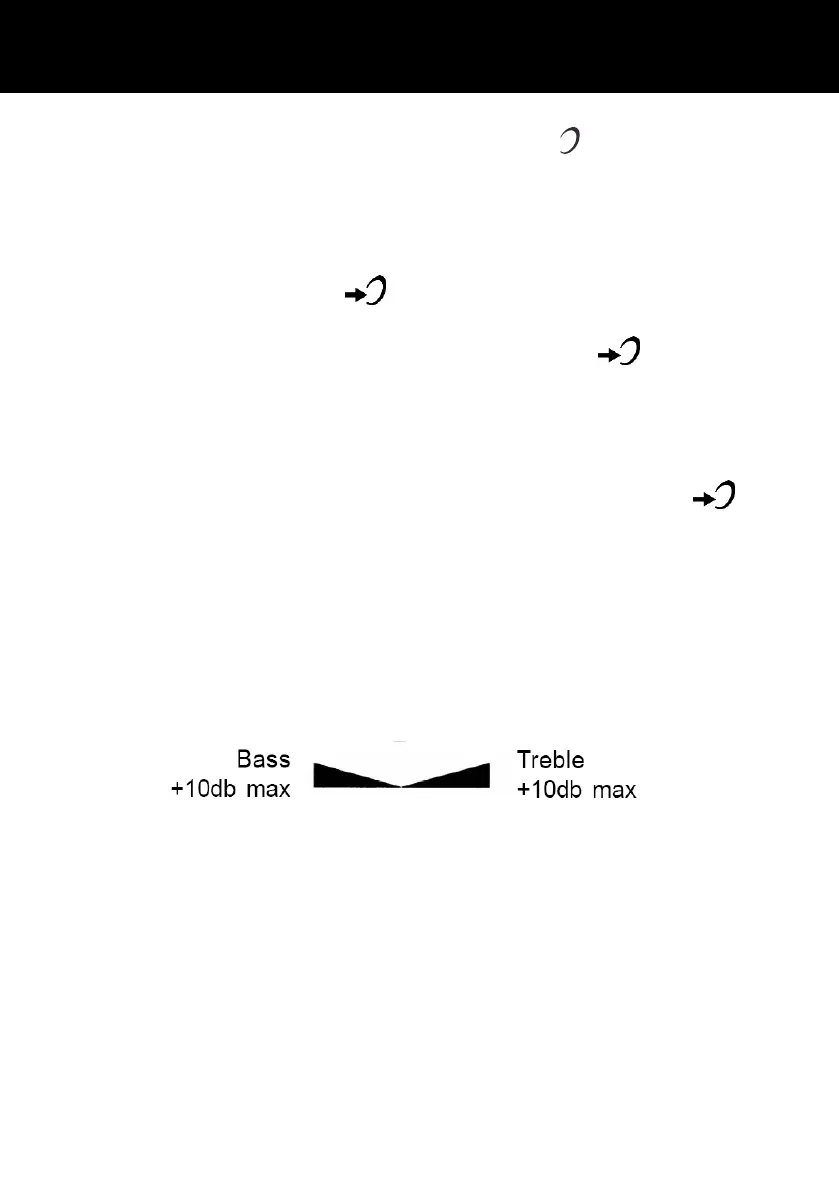
If the receiver volume has been amplified, the tone control can
also be adjusted. You can adjust and increase the low frequency
or high frequency sounds with the tone slide control on the top of
the unit.
Note: The tone adjustment function will not be affective when the
amplify feature is not being used



 To Next Page