EasyManua.ls Logo

Geemarc CL555 - Wall Mounting

Geemarc CL555
65 pages
Print Icon
To Next Page IconTo Next Page
To Previous Page IconTo Previous Page
Loading...
13
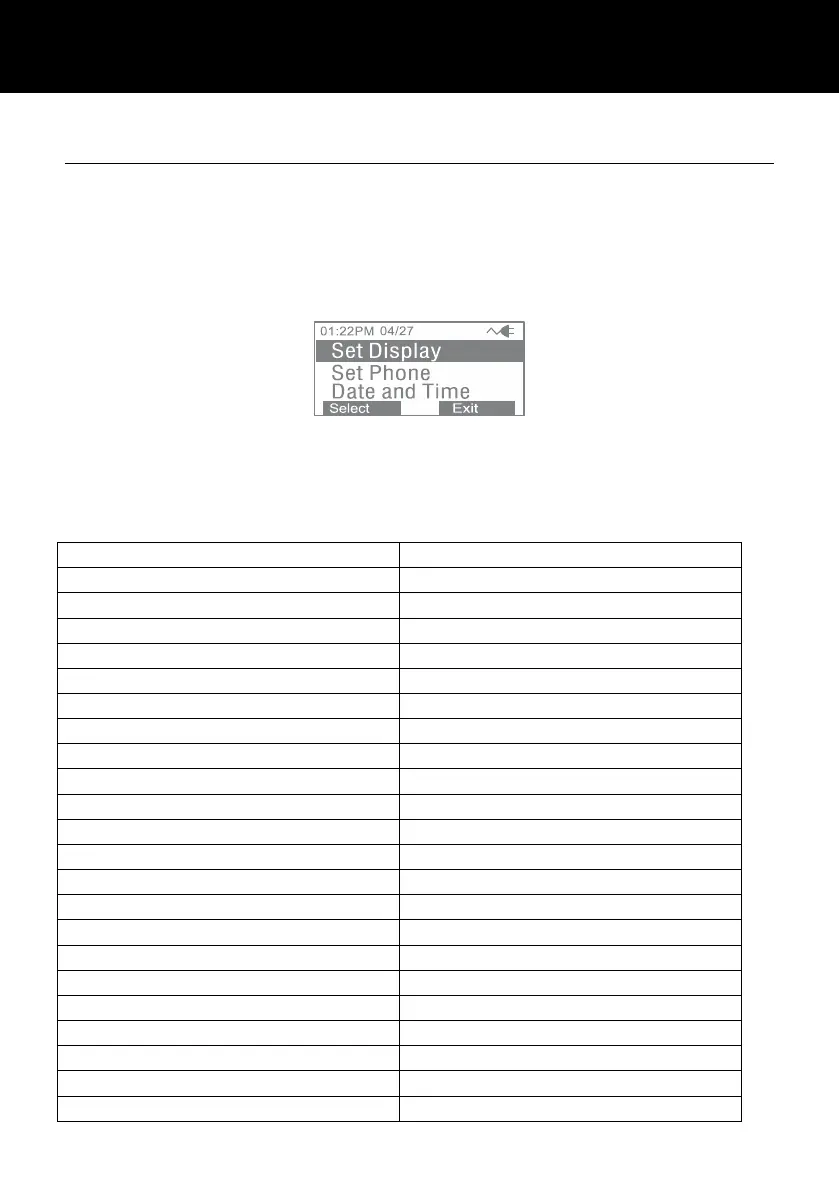
Menu Navigation
To access any menu function you must take the following steps:
1) Press the Menu soft key, the main menu will be displayed.
2) Use ▲ or ▼ to scroll through the menu until you find the
desired option.
3) Press the Select oft key to confirm.
To exit any menu you must take the following step:
1) Press the back or the exit soft key, the phone will return to
the previous screen.
Menu Map

Set Display
Set Language
Set Contrast
Dim:X---x
Hour Format
Date Format
Set Phone
Set Ring
Call Waiting
Set Flash
Dialling Mode
Date and Time
Set Talk
Dialling Talking
CID Talking
Review Talking
Voice Prompt
TAM Setup
TAM ON/OFF
Outgoing Msg
Ring Number
Security ID
ICM Voice Slow
DESCRIPTION
DESCRIPTION

Table of Contents

Other manuals for Geemarc CL555

Related product manuals