11
LCD Description
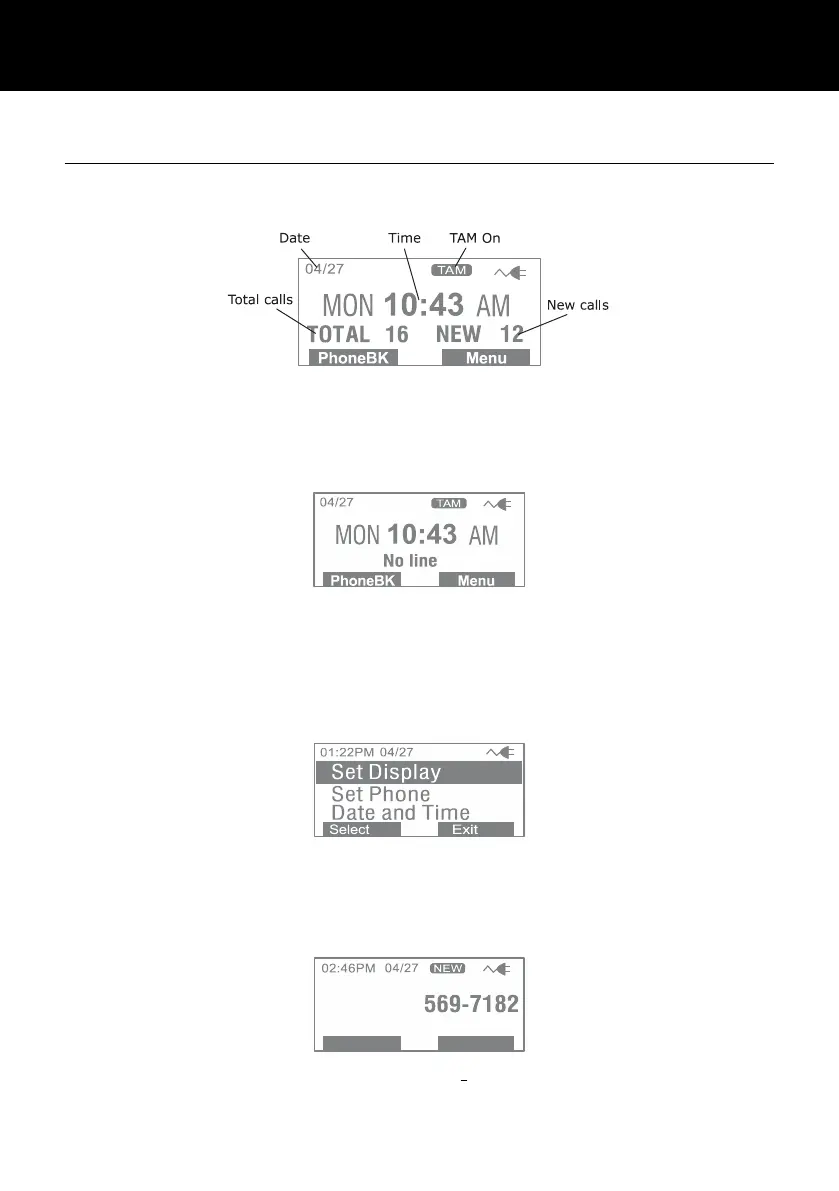
In standby mode, the large LCD display will show as below
If you forget to connect the phone line cord, No line will show
on the screen
When you press the Menu soft key, the main menu will be
displayed. Use ▲ or ▼ to scroll through the menu until you find
the desired option. Press the Select soft key to confirm.
On receiving an incoming call, the caller’s phone number and/or
name will be displayed (providing you have subscribed to the
Caller ID service with your network provider).



 To Next Page