51
Restore the Outgoing Message
You can delete your personal recorded OGM and restore the
factory default OGM.
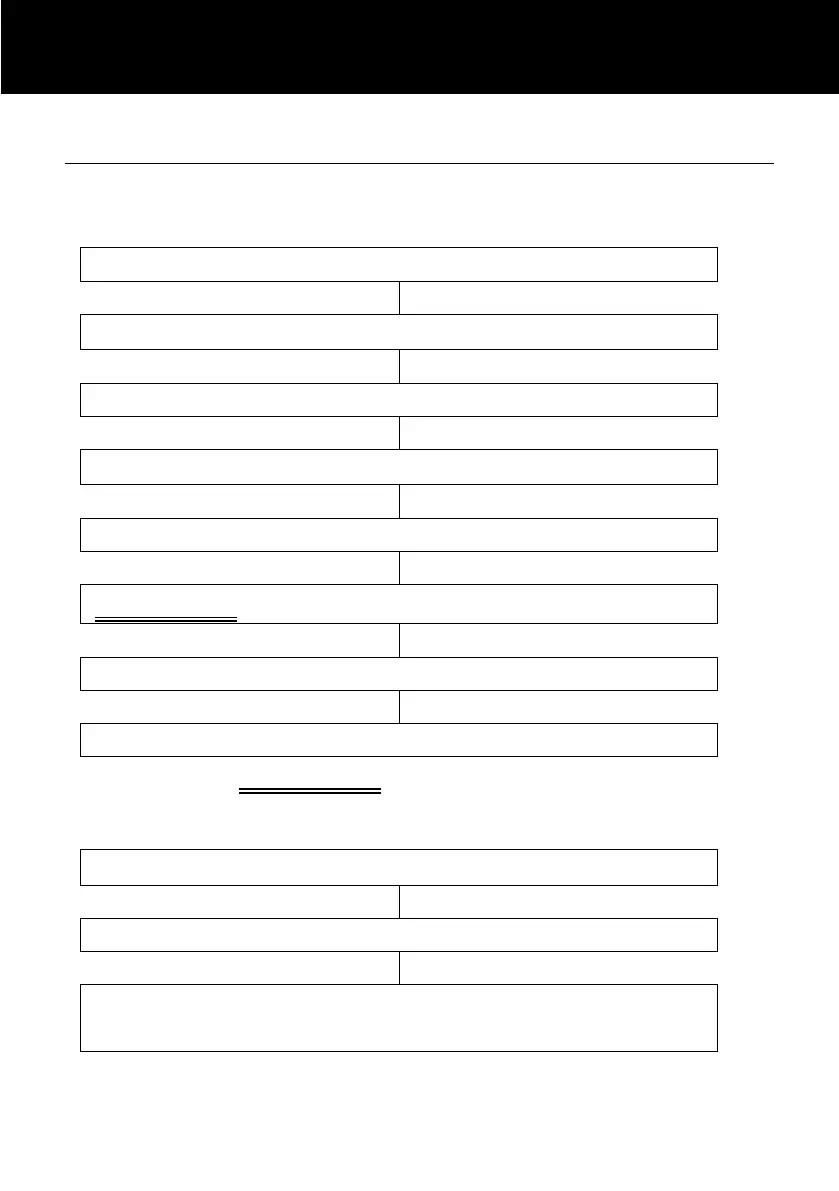
Use and to select ‘TAM SETUP’
Use and to select ‘OUTGOING MSG’
STAGE A Use and to select ‘ERASE OGM’
Alternatively, at STAGE A you can select the following so as
you can toggle between the Default Outgoing Message and the
Recorded Outgoing Message
Use and to select ‘CHANGE OGM’
Use and to either ‘DEFAULT OGM’ or
‘RECORDED OGM’



 To Next Page