55
Remote Code
A confidential four digit code is required to listen to your
messages from a remote external telephone. The default remote
code is 0000. For security reasons it is advisable to change this
code.
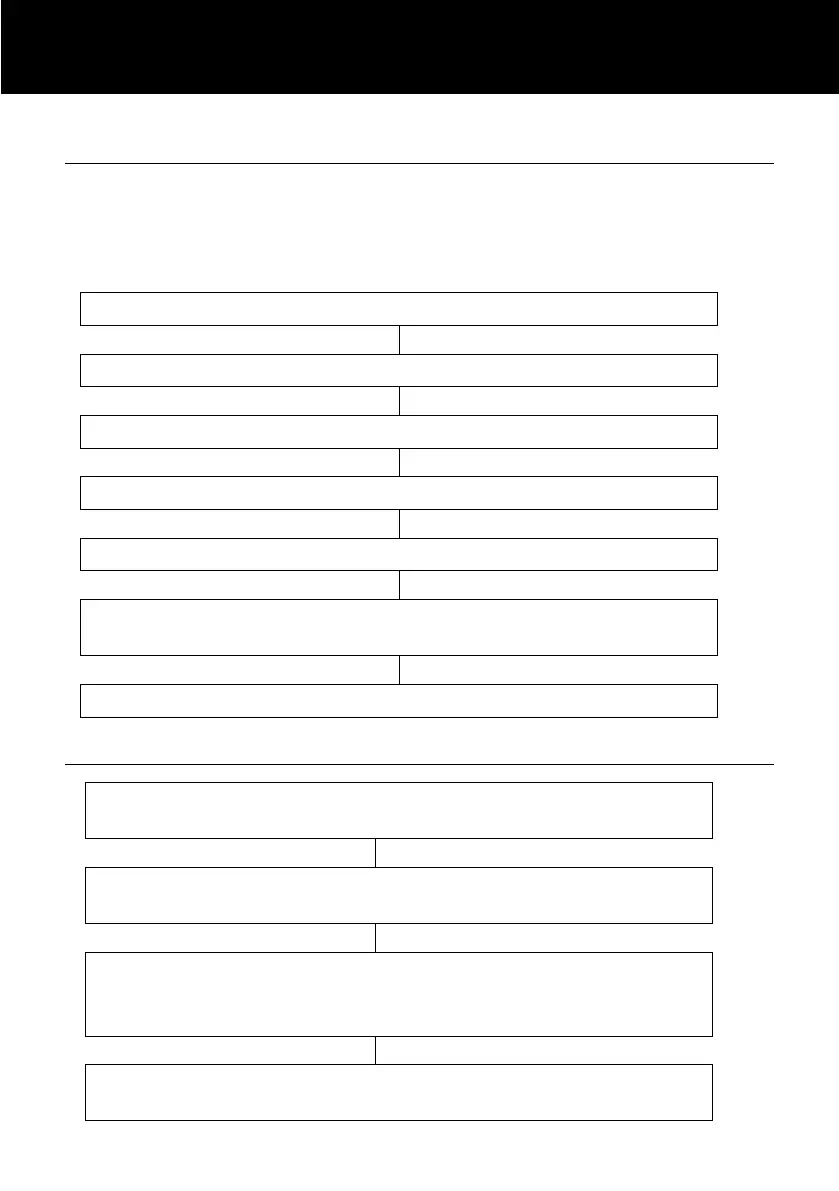
Use and to select ‘TAM SETUP’
Use and to select ‘SECURITY ID’
The current remote code will be displayed on the LCD.
Enter the new code that you wish to use
Remote Control
Call the answering machine (using your telephone
number)
While the outgoing message is playing, press on * key
and enter the remote code
If the remote code is accepted, the system will play the
menu of commands. You can then follow the voice
prompt to operate
When you have finished accessing the machine replace
the handset.



 To Next Page