15
Wall Mounting
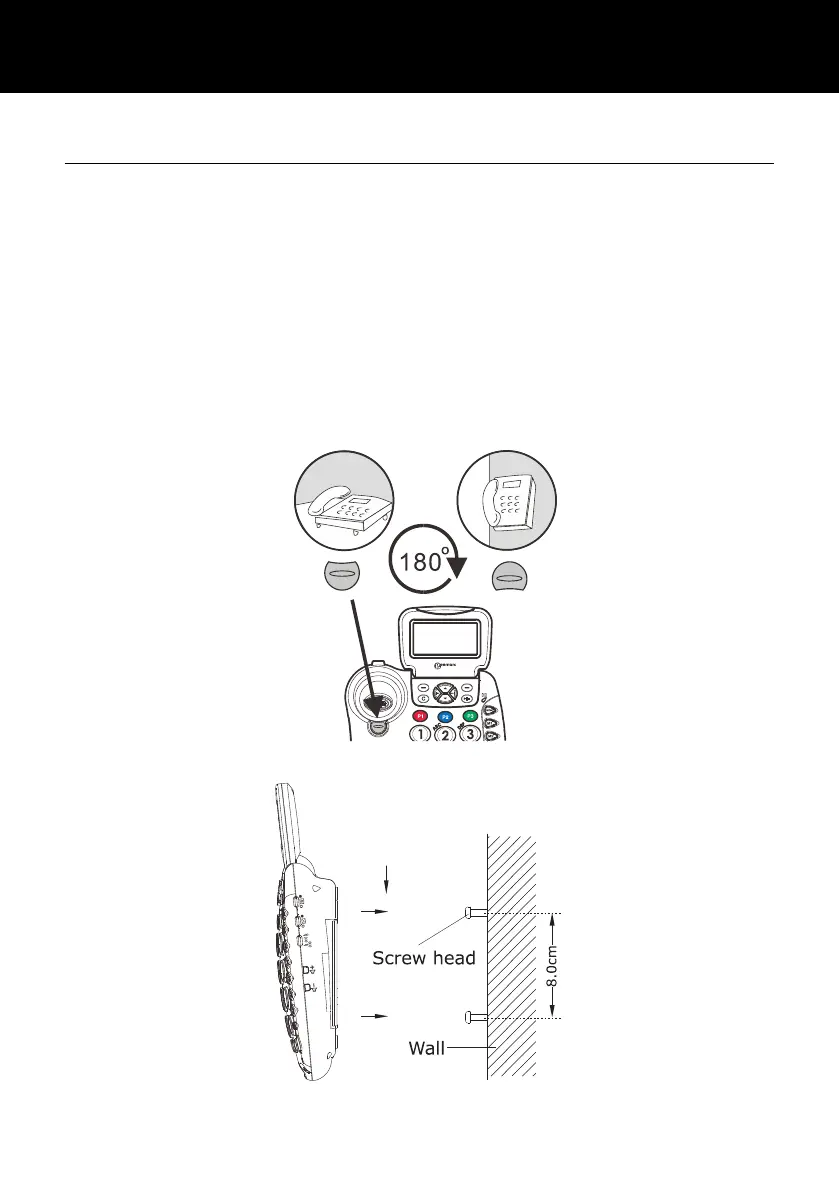
Turn the handset hanger clockwise and reverse its position (rotate
it 180 degrees - see diagram 1). This will keep the handset from
falling out of the cradle when it is mounted on the wall.
Knock two self-tapping screws (not supplied) into a wall at a
distance of 80 mm from each other and placed in a vertical line.
Place the phone onto the screw-heads and slide down to secure
(see diagram 2).



 To Next Page