12
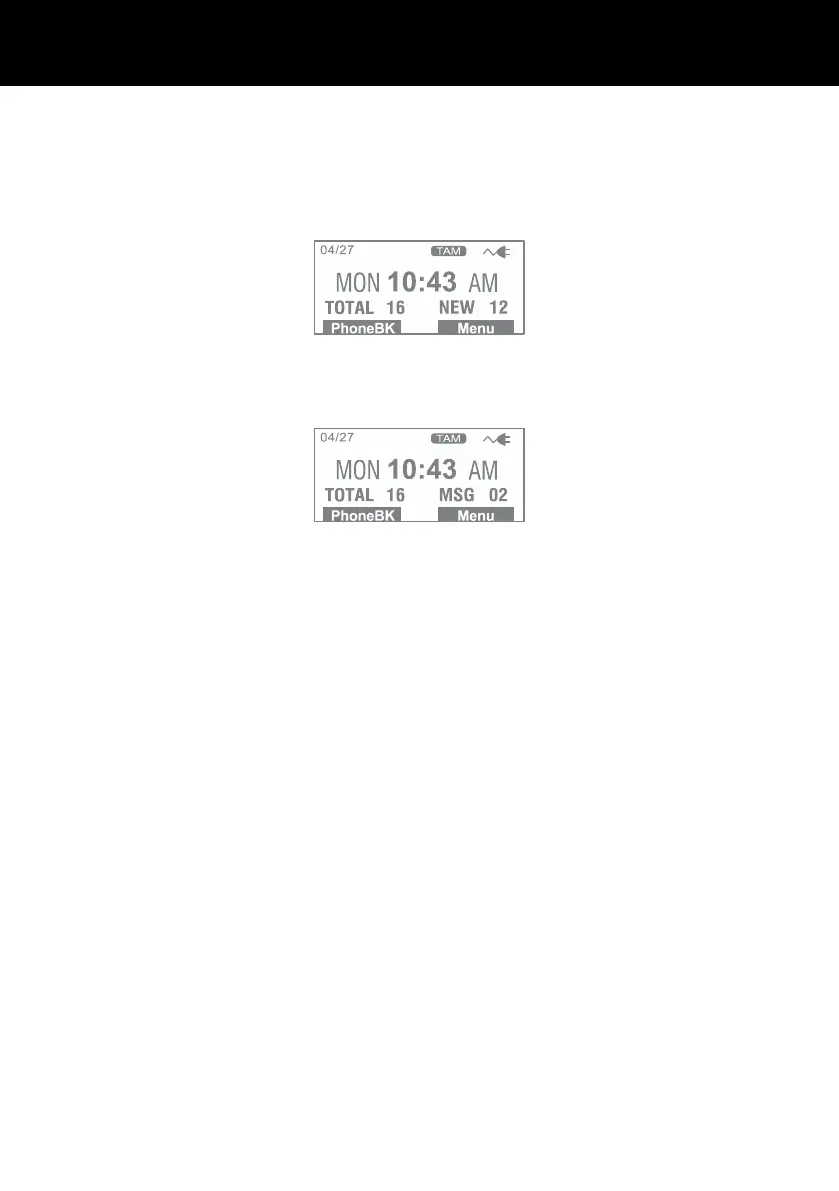
The screen below shows the total calls and new calls needing
reviewing. In this example you have 16 calls in total, which
includes 12 new calls.
The screen below shows that you have 2 new answer machine
messages.
If you subscribe to a Caller ID service -If the caller has exercised
the option to prevent their name and number from being sent,
Private will be shown on the display.
If you subscribe to a Caller ID service – Out of Area will
display when someone calls from an area where the telephone
company is not offering the caller identification services or is not
yet providing number delivery to your area.



 To Next Page