EasyManua.ls Logo

Gefen EXT-AVCINEMAAA - Initial Startup and Information Panes

Gefen EXT-AVCINEMAAA
60 pages
Print Icon
To Next Page IconTo Next Page
To Previous Page IconTo Previous Page
Loading...
10
U
SING THE A/V CINEMA SCALER PRO - MAIN LC
D
A/V CINEMA SCALER PRO - INITIAL STARTU
P
POWERING ON
O
nce all video and audio connections have been made and the power suppl
y
h
as been connected, the A
/
V
C
inema
S
caler Pro should automaticall
y
turn on.
The
f
ront panel L
C
D should indicate this b
y
displa
y
in
g
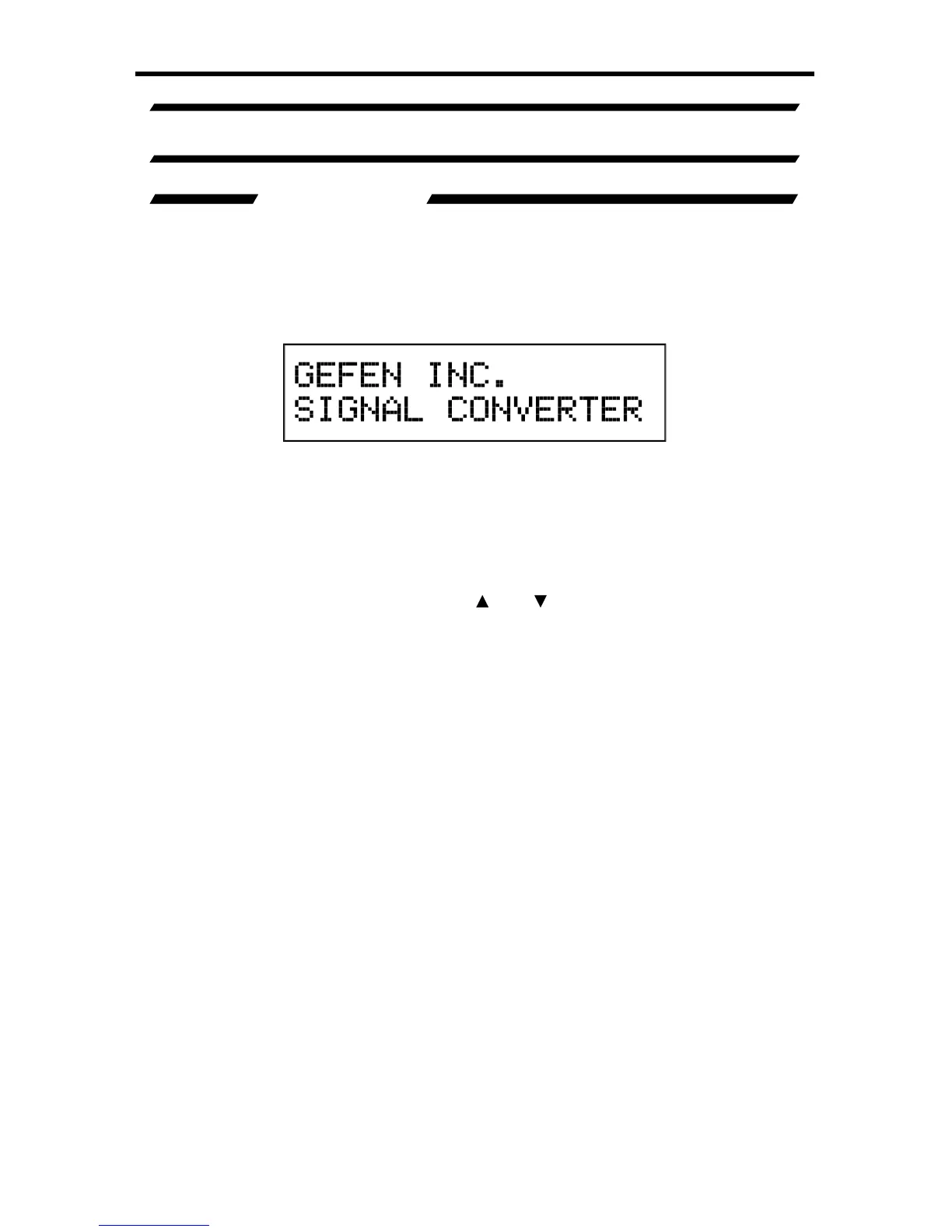
the text
:
This screen should be displa
y
ed
f
or 3 seconds while the s
y
stem is bootin
g
.
O
nce
this is complete, the
M
ain Screen should appear.
There are 7 di
ff
erent in
f
ormation panes that are available to provide the user with
usefu
l in
fo
rm
a
ti
o
n. Th
ese
a
r
e
th
e
P
roduct Titl
e
,
M
ain Screen
,
Out
p
ut Screen,
Surround Processin
g
, DVI Output T
y
pe, HDMI EDID T
y
pe, and Audio Input
Ty
p
e
in
f
ormation panes. Please use the
a
n
d
buttons to c
y
cle throu
g
h the
di
ff
erent in
f
ormation panes. The c
y
clin
g
order is displa
y
ed on the next pa
g
e.
NOTE: Th
e
A
udio Input T
y
p
e
pane will not be available when the HDMI input is
se
l
ec
t
ed
.
P
roduct Titl
e

Table of Contents

Related product manuals